35
EN
TAPE DECK
General operation
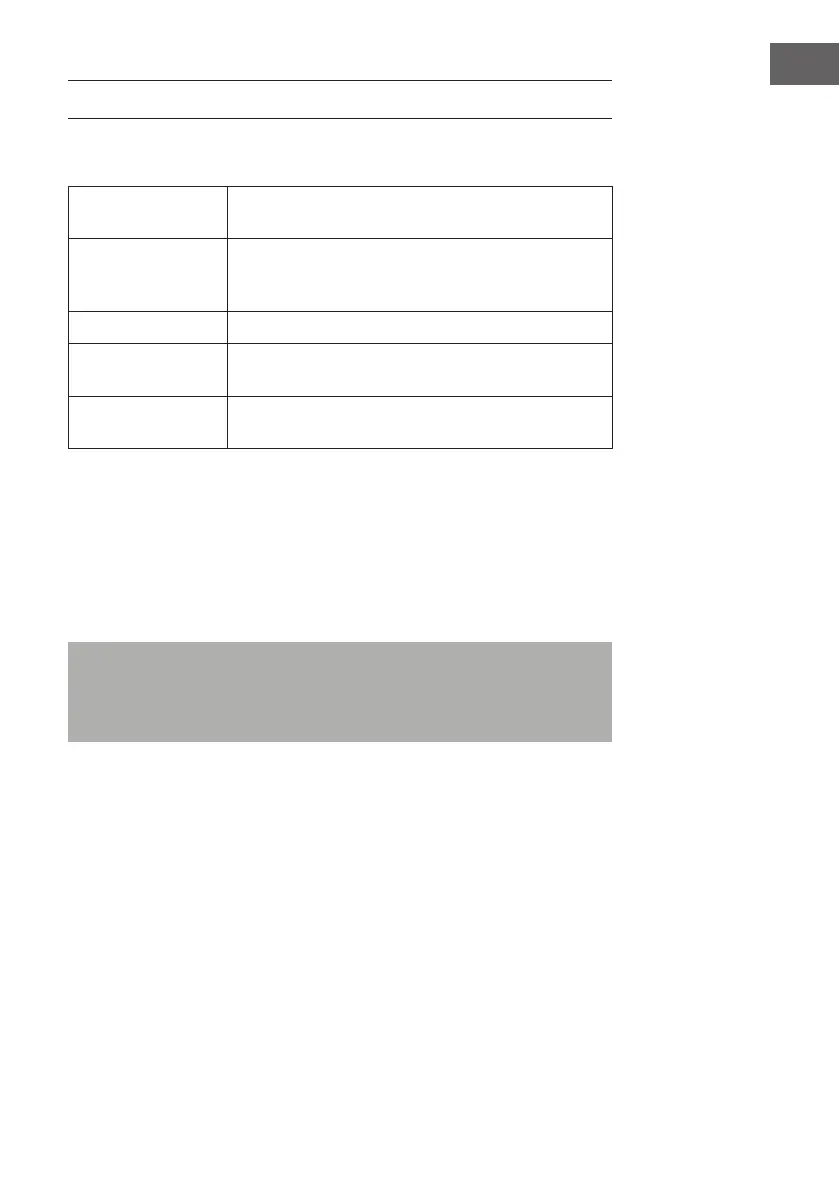
Stop / eject key Press to stop all deck operation. Press again to
open the cassette door.
Fast forward key &
Fast rewind key
Press to start rapid tape winding in either forward
or revers direction. Press stop / fast rewind key
eject keys when the cassette spools stop turning.
Play key Press to start playing tape.
Pause key Press to stop tape operation temporarily. Press
again to resume play.
Record key (deck
1 only)
Press together with play key to start tape
recording.
Playback
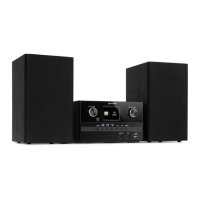
• Select “Tape” function (6).
• Put in the cassette tape.
• Press Play key to active playback
• Adjust the volume control (19) to the desire level.
• Use pause key when you want to stop playback temporarily.
• Press Stop / eject key when nished.
Remarks: It is possible to play both cassette players one after the other.
If you press the button “Pause” and “Play” at deck 1 and button “Play” at
deck 2, than the tape of deck 1 will be start to play automatically after
the tape of deck 2 is nished.



 To Next Page