EasyManua.ls Logo

auna DAB-Radio 10026947 - User Manual

auna DAB-Radio 10026947
33 pages
Go to English
Print Icon
To Next Page IconTo Next Page
Loading...
http://www.auna-multimedia.com
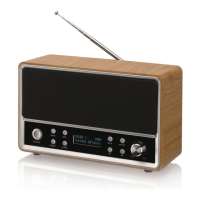
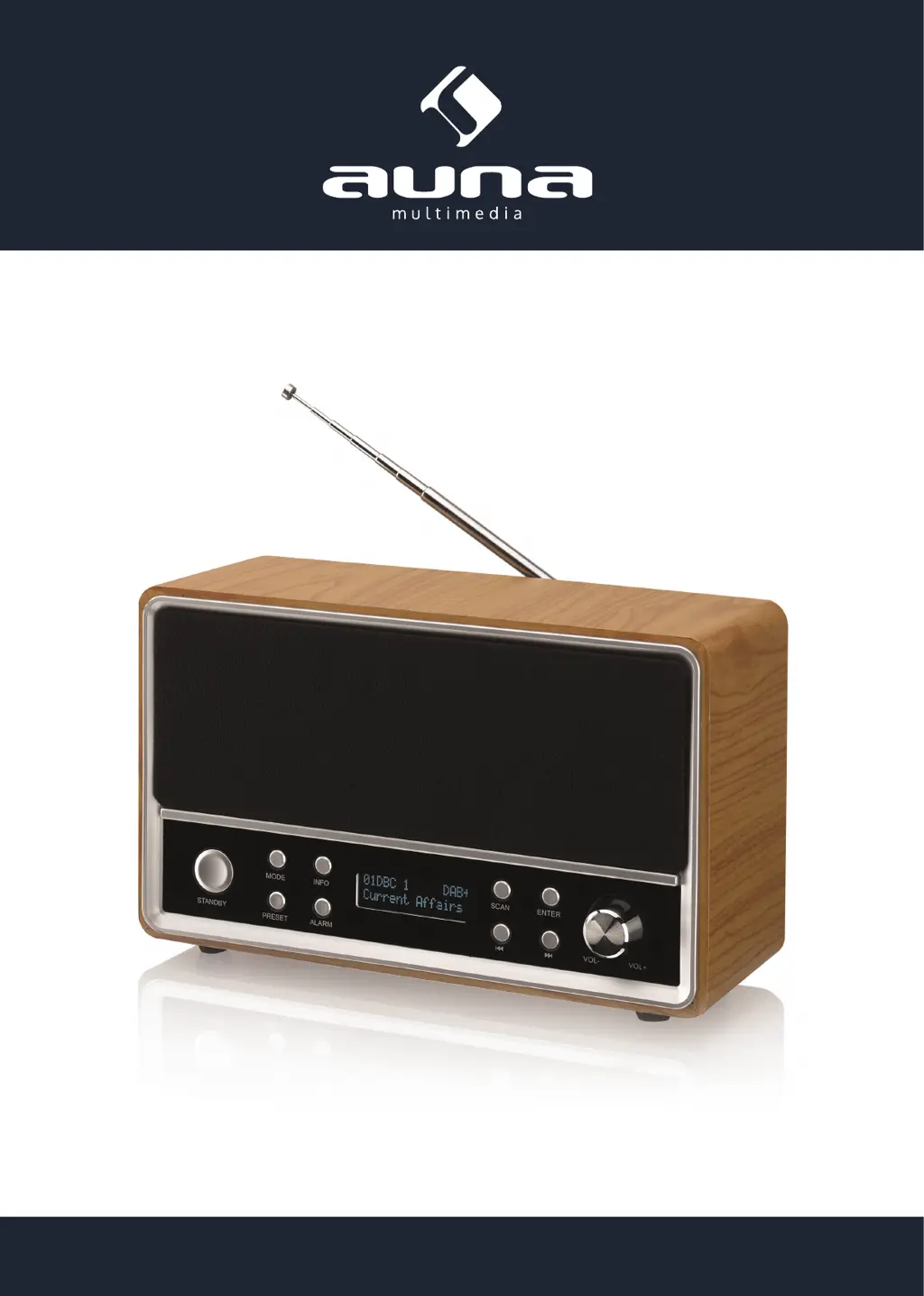
DAB-Radio
DAB / FM / Wecker
10026947 10026948

Questions and Answers

  • D
    dramirezAug 12, 2025
    Why does my auna DAB 10026947 have poor radio reception?
    • H
      Hayley WrightAug 12, 2025
      If your auna Radio has poor reception, it might be due to a weak signal. Try repositioning the aerial. If that doesn't improve the reception, test the radio in a different location, keeping it away from computers and other electronic equipment.
  • K
    kellibrewerAug 19, 2025
    What to do if my auna DAB 10026947 Radio has no power?
    • S
      Sydney HensonAug 19, 2025
      If your auna Radio has no power, first ensure that the AC adapter is properly connected to both the radio and a working power socket. If you're using battery power, the batteries might be depleted. Try replacing them with a fresh set.
  • F
    ffisherAug 27, 2025
    How to fix auna DAB 10026947 when it doesn't respond to controls?
    • S
      samanthaherringAug 27, 2025
      If your auna Radio is not responding to the controls, disconnect the AC power and remove the batteries, if installed. Wait for 10 seconds, then reconnect the AC power or re-insert the batteries.
  • A
    anthony89Sep 4, 2025
    Why is there no radio information text on my auna DAB 10026947?
    • A
      allison18Sep 4, 2025
      If your auna Radio is not displaying radio information text, it could be because the signal is too weak to receive it. Also, not all stations broadcast information text.

auna DAB-Radio 10026947 Specifications

General IconGeneral
TypeDAB Radio
Model Number10026947
Brandauna
Power SourceMains
Frequency Range (DAB)174 - 240 MHz
Frequency Range (FM)87.5 - 108 MHz
DisplayLCD
Presets20
Headphone JackYes
USB PortNo
BluetoothNo
Tuner TypeDAB/FM
FeaturesSleep Timer, Alarm
Speaker Size3 inch

Related product manuals