31
EN
4. Play a track on your paired audio player or phone as normal. BT device
list, select it and make connection.
During playing:
Press the VOL+ or VOL- button to adjust volume.
NOTE:
After rst time pairing, the unit will be automatically connect with the device
last paired when the bluetooth of the device and speaker are activated and
n range.
SETUP
App Download and Installation
• Download the Auna Intelligence from Apple App store for iOS devies.
• Or, download from Google Play store for Android devices.
The App icon will appear as the gure on right after successful installation.
NOTE
The following operation bases on iOS system. The operation of Android is
similar.
Connection
1. Press and hold the
MODE button to power on the unit, wait the
mode indicator blinks green only, now it is WiFi mode.
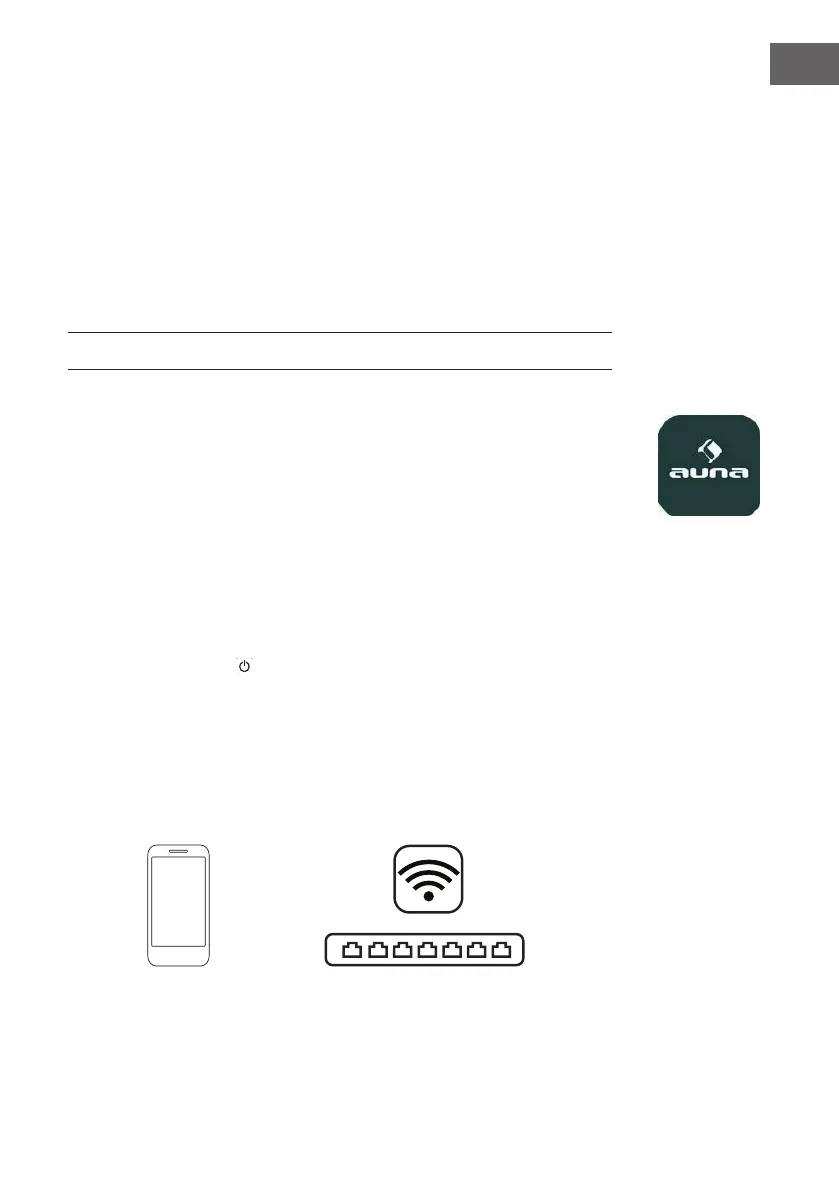
2. Turn on the WiFi on your iOS and connect it to desired WiFi network.
Auna App


 To Next Page