33
EN
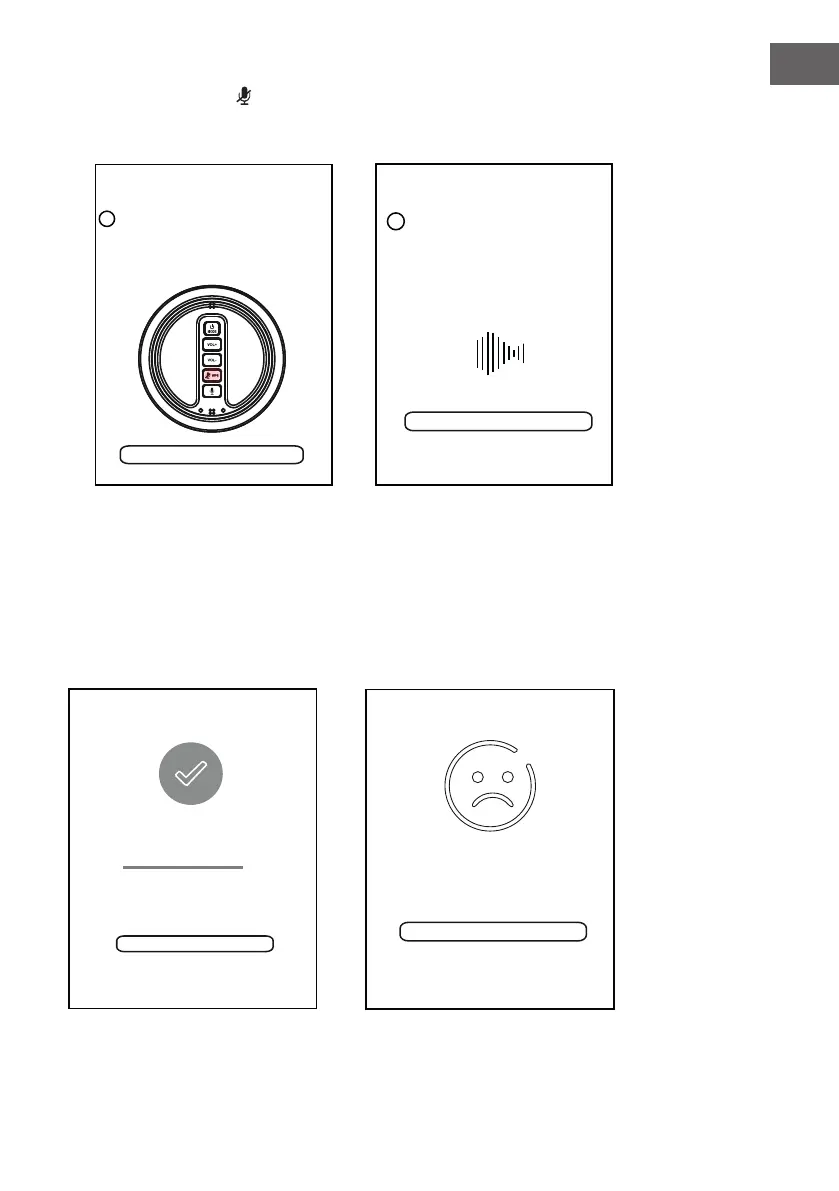
6. Press and hold the WPS.
Tap "Next" to conintue.
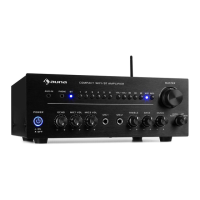
7. There will be voice instructing
during the connecting process.
Next
2
Press and hold the WPS key on
device to put the device into
network setup mode. Then click
the "Next" button to
continue.
<
PRESS TO ENTER SETUP M...
PLEASE WAIT
<
Cancel
If you hear voice prompt for erro message.
please go back and retry
3
Wait for device to be connected
to Wi-Fi...
Don't operate device during Wi-Fi
setup. Please wait for compltion of
setup patiently. It's usually finished in
60 seconds.
Next
2
Press and hold the WPS key on
device to put the device into
network setup mode. Then click
the "Next" button to
continue.
<
PRESS TO ENTER SETUP M...
PLEASE WAIT
<
Cancel
If you hear voice prompt for erro message.
please go back and retry
3
Wait for device to be connected
to Wi-Fi...
Don't operate device during Wi-Fi
setup. Please wait for compltion of
setup patiently. It's usually finished in
60 seconds.
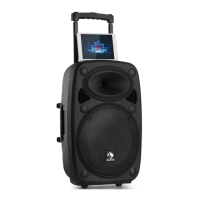
8. When the speaker is connected
to the network successfully, the
Mode Indicator will stay lit.
CONNECTED
Device is connected to XXXX
successfully
Current Wi-Fi strength of device:100%
Next
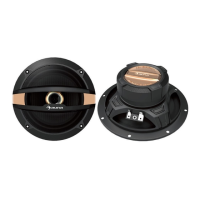
WI-FI SETUP TIMEOUT
Cancel Setup
UH OH!
Try Next to try an alternate way of
connecting.
Next
Note 1:
If the connection fails, the
following page will appear
Then tap the "Cancel" Button
to reconnect as the on screen
instructions.


 To Next Page