77
EN
• If you select “Auto Scan“, each channel of the submenu will be played
for 30 seconds until all channels are selected or you press OK to
interrupt.
• Press the Info button to display the respective channel information.
History
• A list of the last stations you listened to. Up to 10 stations can be stored
in the history.
• For direct playback, after selecting a station, press OK.
• Press the button to enter the submenu. You can add the station to
the Favourites, start the automatic station search, play a station or set
a station as an alarm tone (if you selected “Internet Radio“ in the alarm
settings.
• If you select “Auto Scan“, each station in the submenu is played for 30
seconds until all stations are selected or you press OK to pause.
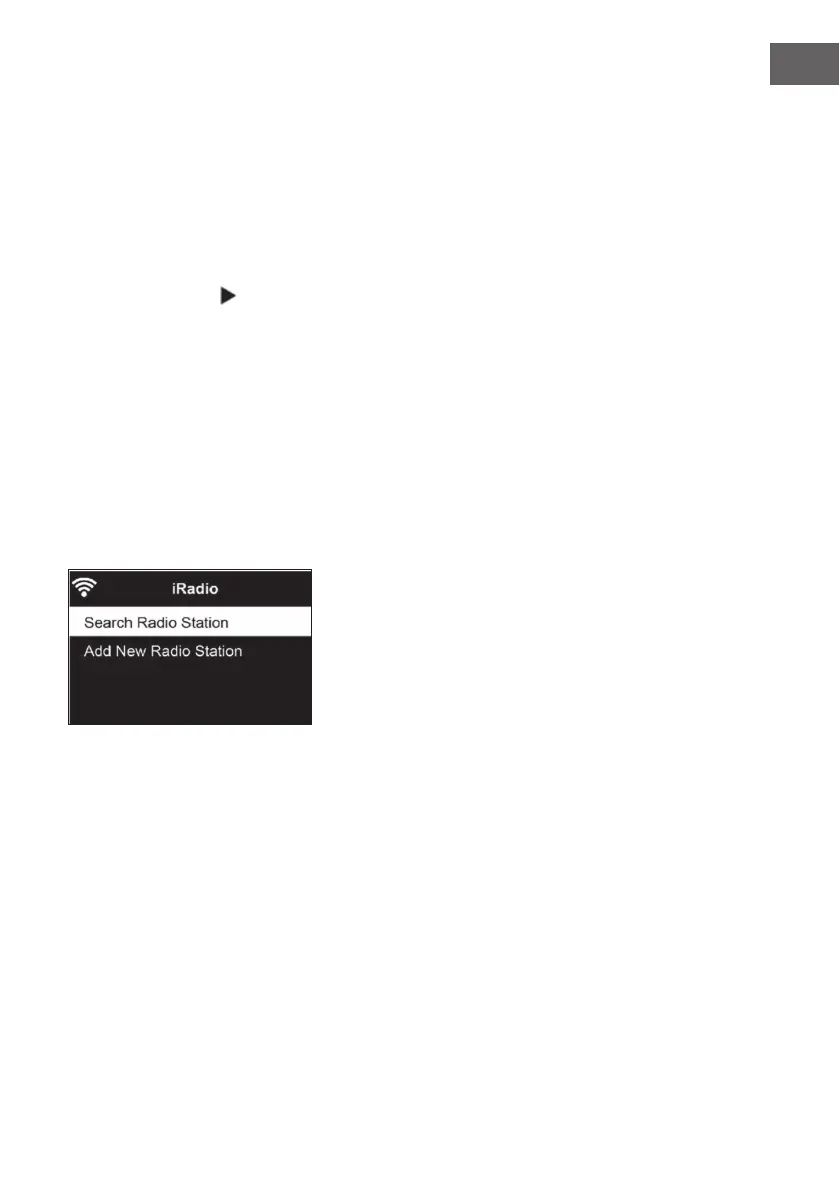
Channel Search
• To search for channels, enter keywords in the list.
• Newly added channels are saved under your Favourites.
• Remember that the name of the station can have a maximum of 250
characters.
Local radio stations
• The Internet radio menu has a link to local radio stations, so you can
easily listen to stations from your region.
• Your device can determine your current location by its IP address and
create a station list based on this.
• If you want, you can also specify a dierent country as your location to
play stations from that country.



 To Next Page