55
EN
COMMISSIONING AND OPERATION
Network requirements
• Broadband connection in combination with a cabled/wireless access
point, router or similar network device.
• The network device must support the wireless network connection
WLAN (802.11b/g/n)
• A PC/ smartphone connected to the network. The devices must be on
the same network as the radio.
Establishing a network connection
• Make sure that the WLAN light on the cable-connected/wireless access
point or router is lit. Refer to the respective user manual.
Note: WLAN allows data to be transferred over short distances of less
than 20 meters without the need to connect the devices with a cable.
The strength of the WLAN connection may be aected by walls or
ceilings. Therefore, make sure that your device is placed so that there are
no obstacles between the access point and the radio.
• Plug the AC adapter into the DC IN connector on the back of the unit
and insert the power plug into a wall outlet.
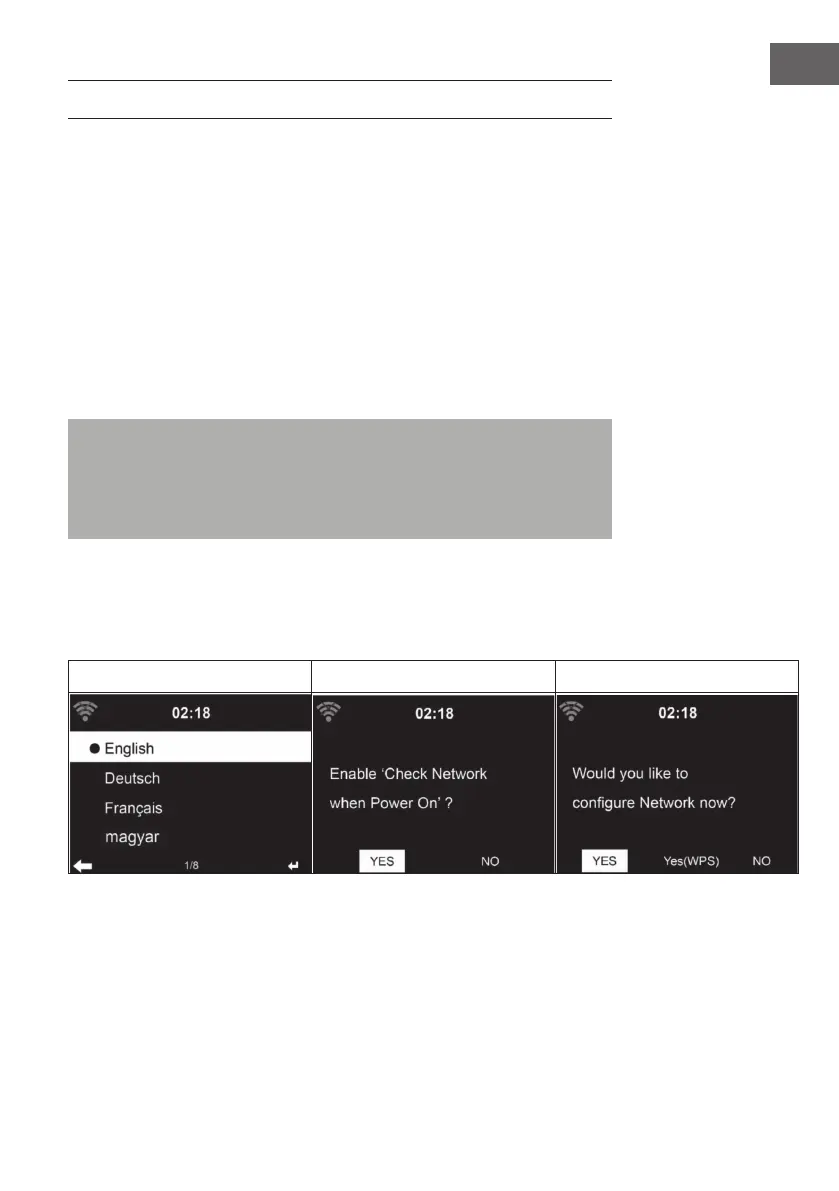
• When you use the unit for the rst time, language and network settings
must be made.
1 2 3



 To Next Page