81
EN
FM RADIO
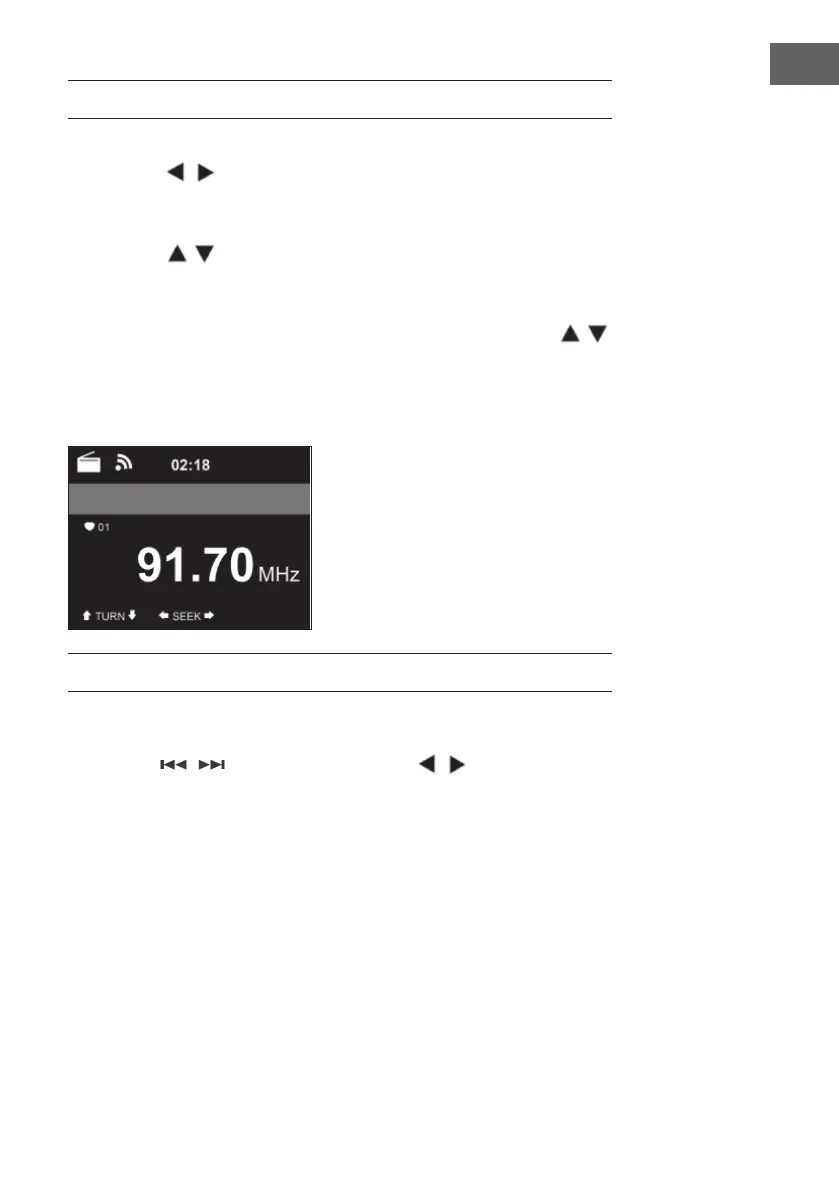
• In FM radio mode, analogue broadband radio is received.
• Press the / buttons on the unit or remote control to start FM
station search.
• The frequency display will go up while searching.
• As soon as a station is received, the station search stops.
• Press the buttons to start manual station search. The manual
search is performed in steps of 0.05 MHz.
• Press and hold the Fav• button to store a station.
• You can store up to 20 FM stations.
• To recall a stored station, press the Fav button on the unit or the
buttons on the remote control.
• Alternatively, you can start the automatic station search of all
stations by pressing the OK button. The radio stations found are then
automatically stored in the station list.
DAB RADIO
• In FM mode, press the MENU button to switch to DAB mode.
• The screen displays “DAB Radio“.
• Use the / buttons on the unit or the / buttons on the
remote control to select a preset DAB station.
• Start playing the selected station by pressing the OK button.



 To Next Page