78
EN
MEDIA CENTER
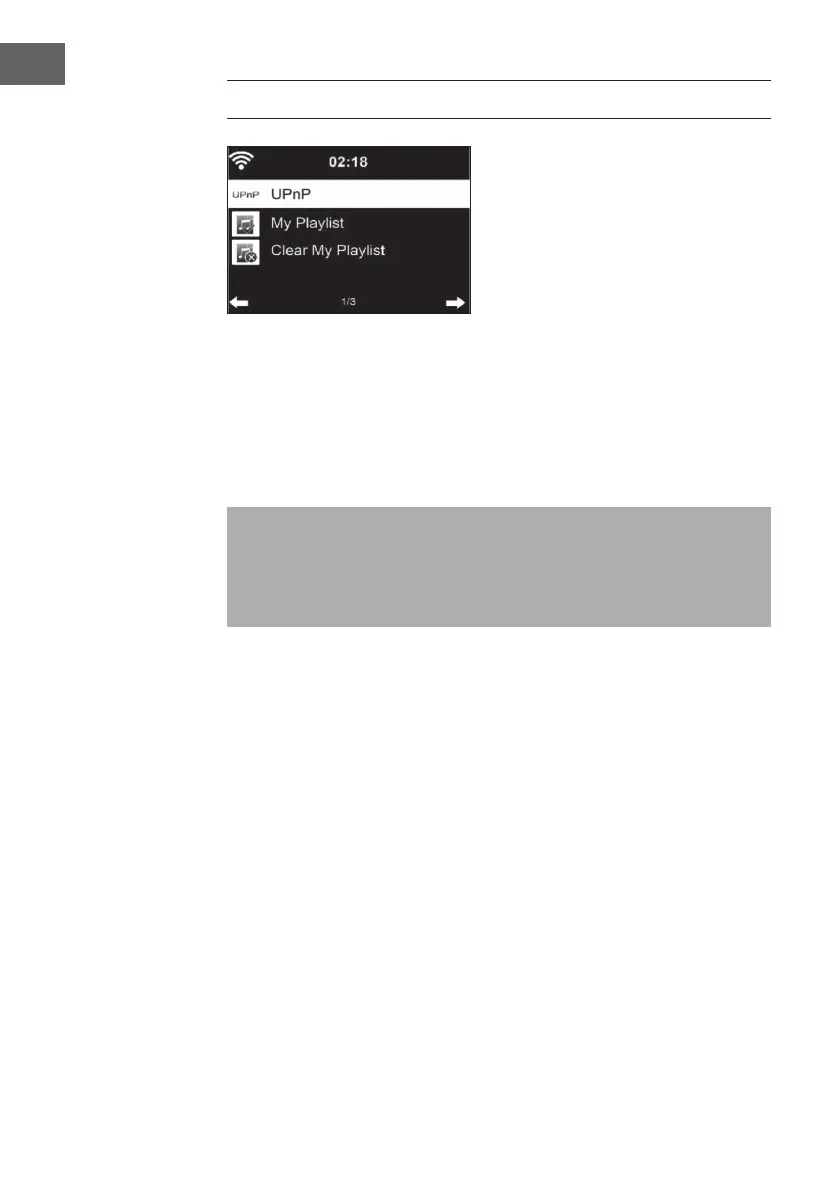
UPnP
• If you have set up “shared media“, you can display it via UPnP.
• If more than one device is available for media sharing, the alternatives
will be listed.
• Select the media from which you want to play music on the device.
• Press the Menu button to display playback information for the current
track on the screen.
Note: The device can only read tracks with a name of less than 40
characters. The characters should be in European language. If the unit
cannot play a title in UPnP mode, you should rst try to rename the title.
If the title still cannot be played, you can try to convert it to another
format.
My Playlist
• You can create a list of your favorite songs in UPnP mode.
• Press and hold the OK button when a song is playing to save it in “My
Playlist“.
Delete My Playlist
You can delete all songs stored in your My Playlist playlist.



 To Next Page