79
EN
INFORMATION CENTER
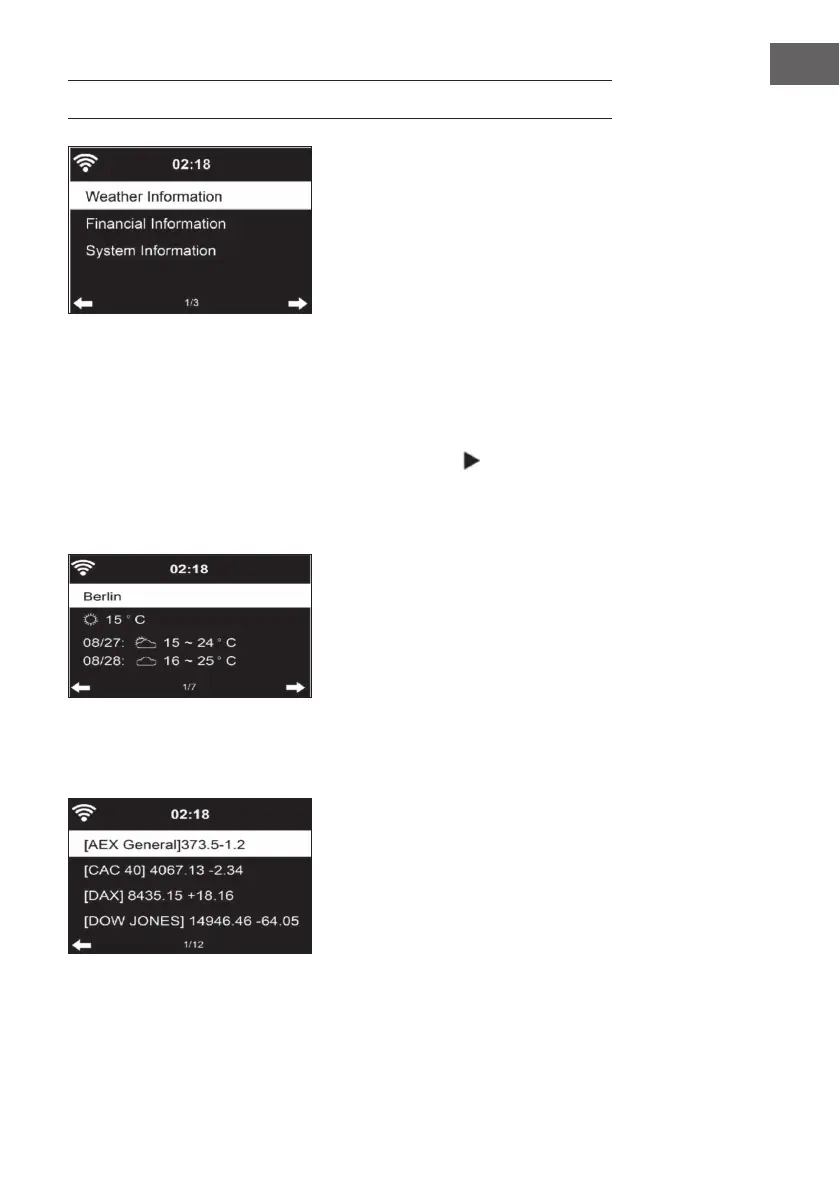
Weather information
• Weather information and weather forecasts are available for 2000
cities.
• Select the country and city for accurate weather information.
• The weather information can also be displayed in standby mode.
• On the weather information page, press the button . “Add to
Standby“ is then displayed.
• If you want the weather for the city you have selected to be displayed in
standby mode, press the OK button.
Financial sector information
Display the worldwide stock index.



 To Next Page