17
USB
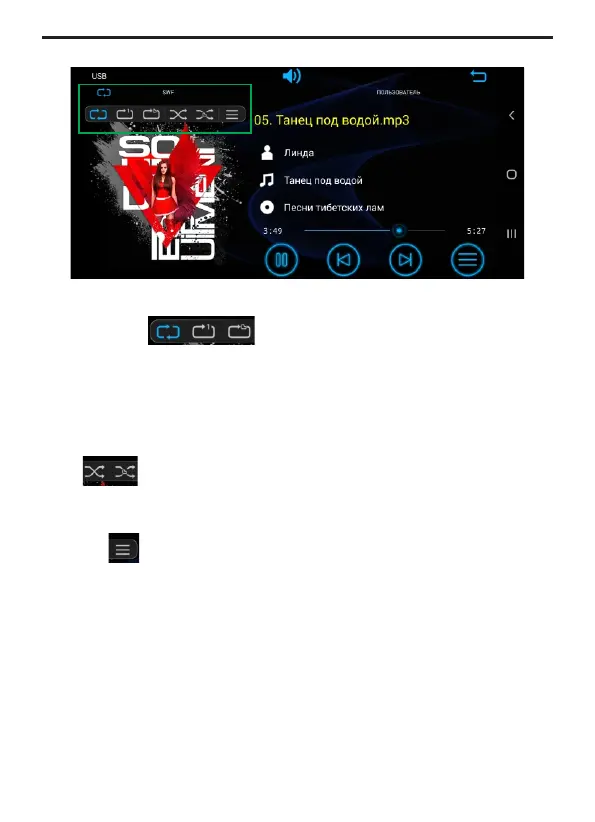
Random play mode
Press button to select random play mode:
Random All / Random folder / Random Off.
Repeat
Press the button to select the repeat playback mode:
Repeat all - repeat playback of all files on the media.
Repeat folder - Repeat playback of all files in the current folder.
Repeat one - repeat playback of the current file.
Scanning tracks
Press the button to play 10 seconds of each track in sequence.
Click again to stop scanning.


 To Next Page