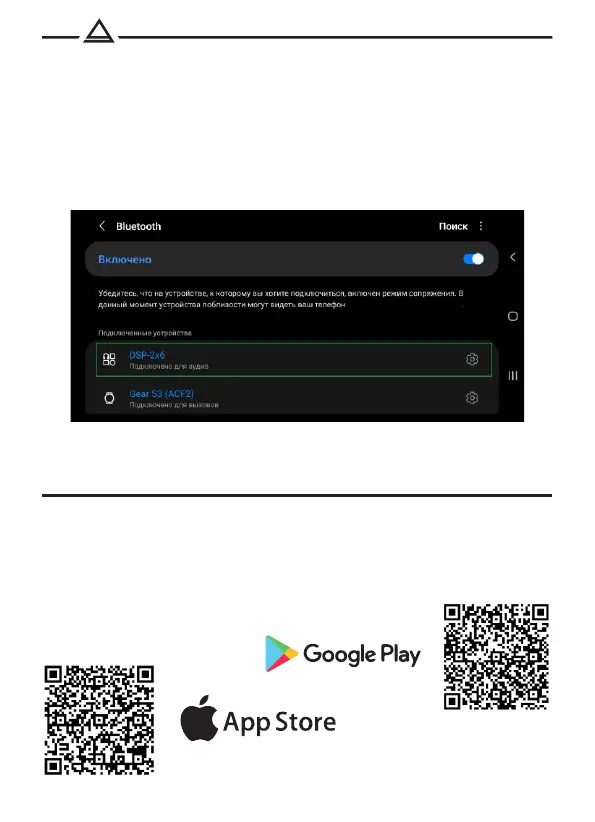
Pair your smartphone with the DSP-2x6:
1. Turn on Bluetooth on your mobile device.
2. Find "DSP-2x6" in the list of available BT devices and connect to it.
Authorization PIN: 1234 .
3. The audio signal from the mobile device will be transmitted to the car's speakers.
BLUETOOTH
6
All device settings are available in the AurA Audio mobile app for Android or iOS.
1. Install the AurA Audio app from Google Play or the App Store.
2. Pair your smartphone and processor via Bluetooth.
3. Launch the AurA Audio app to control the processor.
Phone app


 To Next Page