If for any reason you want to have the temperature in
the room reduced by 3°C every day at the same time,
then you can do it for 6 hours. To reduce the
temperature:
1. Press the button and hold it for
3 seconds.
The display will show the symbol of
moon ( ) and the hour counter ( ).
2. The controller goes to the temporary
temperature reduction mode and
every day at the same time it will
reduce the temperature by 3°C for 6
hours.
2. Using the and buttons set the desired temperature
in the room with the 0.2°C accuracy.
3. Confirm your settings by briefly pressing the button.
Setting the temporary temperature
reduction mode
1312
First start of the controller
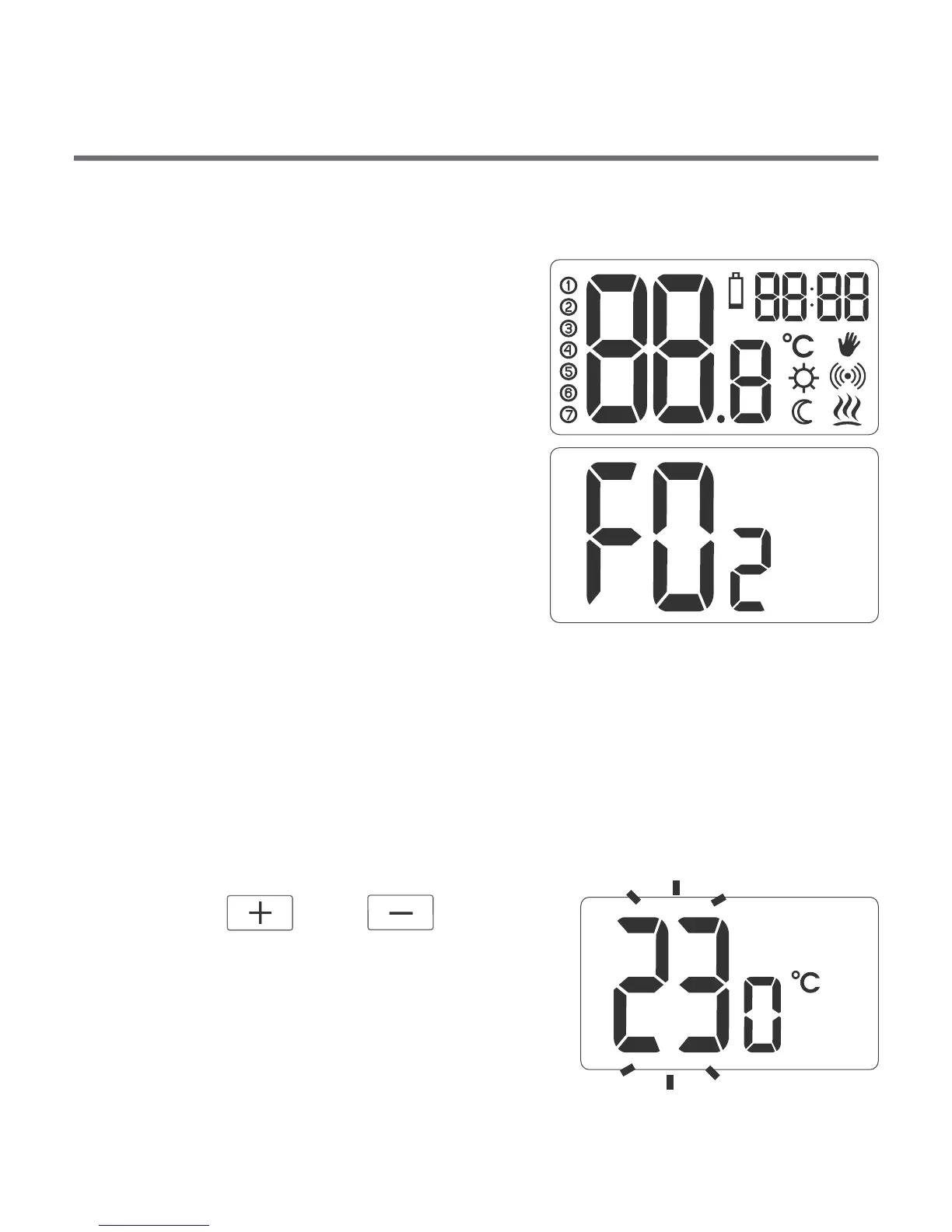
After a correct placement of batteries
in the compartment all segments will
appear on the display for a second
(display test), followed by the software
version number.
The current temperature in the room
will be displayed after a moment.
The controller is ready for operation.
Setting the temperature
NOTE: T
the display backlight on, only the second pressing activates a
given function.
To set the required temperature in the normal operation mode:
1. Press the or button.
The temperature display segment will
go into the edit mode and will start
flashing.
he first pressing of any function button always turns



 To Next Page