5
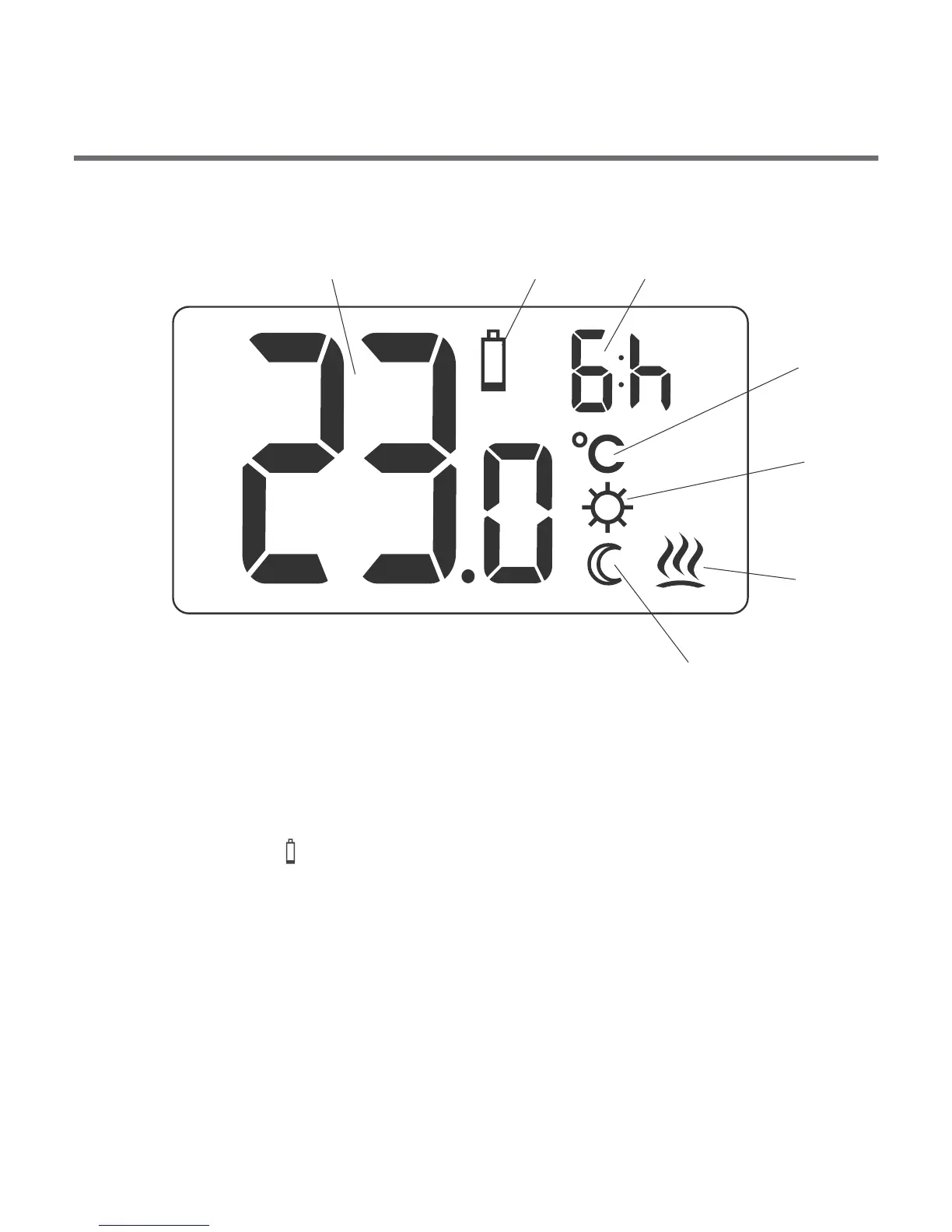
Display
1 2 3
4
5
6
7
1. Temperature
In normal mode, the controller displays the temperature in the
room in which it is installed.
2. Battery low ( )
This symbol appears when the battery voltage has dropped
below the acceptable level. Replace the battery ASAP.
NOTE: to maintain the settings the battery replacement should
last less than 30 seconds.
Description of AURATON 3003 temperature
controller
AURATON 3003
LCD display
The front panel of the enclosure includes a backlit LCD display and
four function buttons.
4
increase
temperature
button
temporary temperature
reduction button
confirm
or controller
ON/OFF button
reduce
temperature
button
ź
ź
press briefly – confirm the temperature setting
press and hold – controller ON/OFF



 To Next Page