23 US-EN
Press the SET / RESET button once to
deactivate Alarm 1 and Alarm 2.
Using the snooze button
Press the Z
Z
/ REGISTER button
21
while
the alarm is going off to snooze the
alarm.
The alarm is silenced and or and
Z
Z
flash.
The alarm sounds again after 5 minutes.
Press the SELECT button
23
to deactivate
the snooze function.
Displaying the
temperature
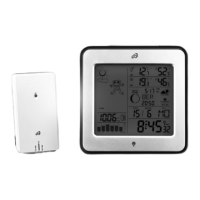
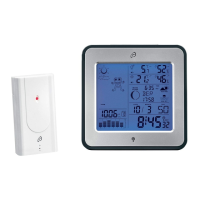
The LC display shows the indoor temperature
13
and the outdoor temperature
9
.
Press and hold the SELECT button
23
for
3 seconds. The display will flash °F.
Press the SET / RESET button
24
to switch
between the °C (Celsius) and °F (Fahr-
enheit) temperature units.
Press the SELECT button to confirm your
settings.
Displaying the minimum /
maximum values
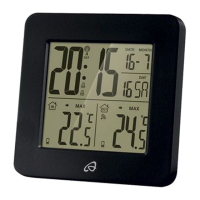
The temperature station stores the maximum
and minimum values of the outdoor sensor
and of the temperature station itself.






 To Next Page