- 8 -
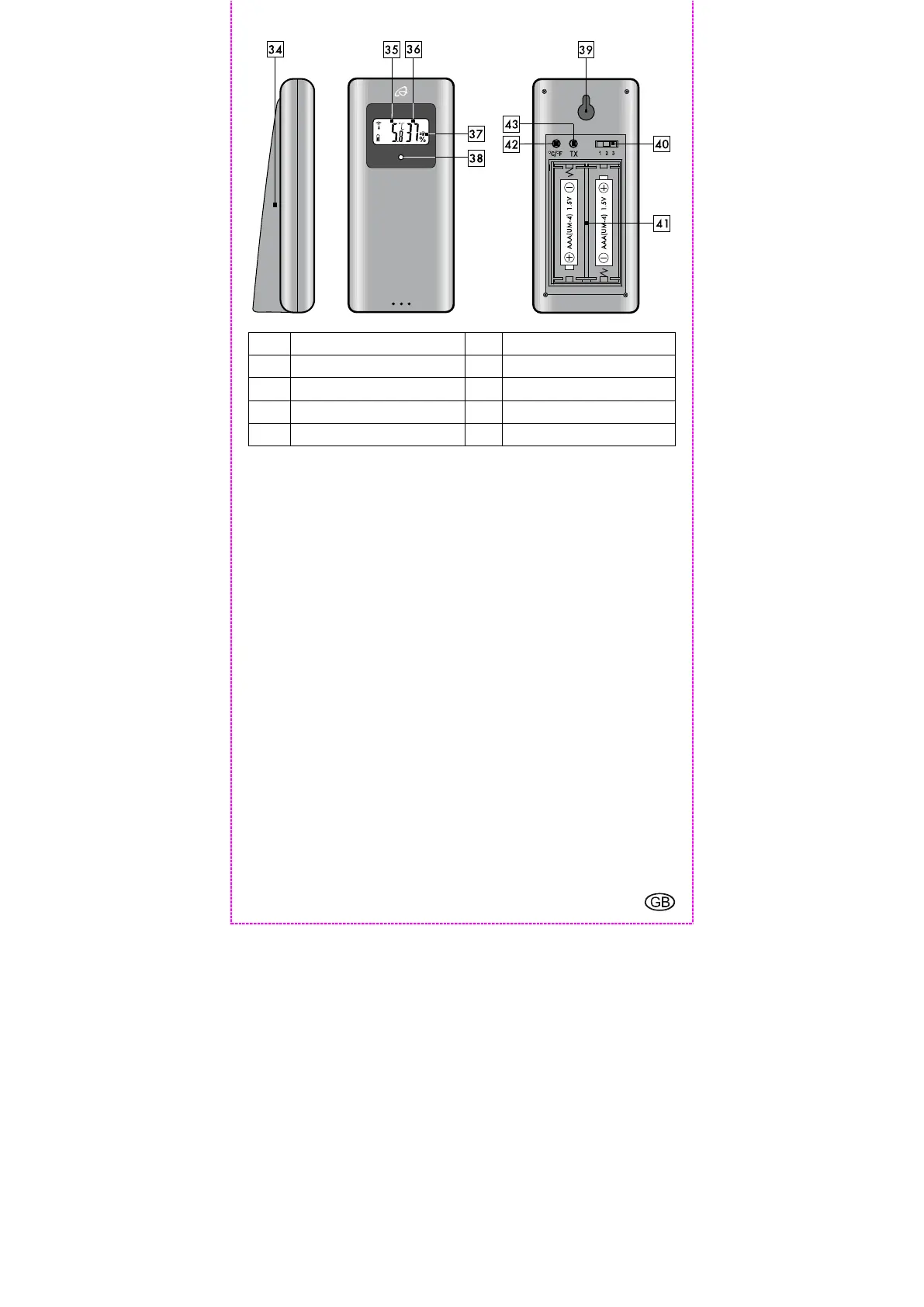
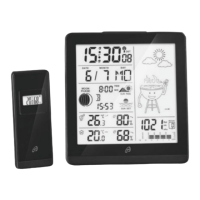
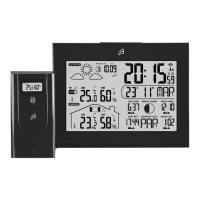
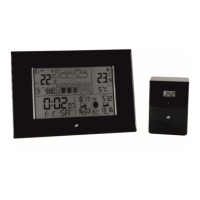
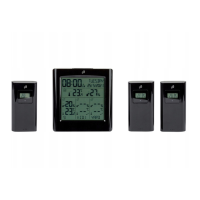
Outdoor sensor
34 Folding stand 35
Temperature display
36 Humidity display 37
Selected channel
38 LED operating indicator 39
Hole for wall mounting
40 Channel selection switch 41
Battery compartment
42 °C/°F-button 43
TX-button
Securely placing or mounting the weather station
The weather station with outdoor sensor is not designed for operation
in rooms with high humidity (i. e. bathroom). Use the included screws
and anchors for wall mounting. Before mounting to a wall, make sure
that there are no gas, water or electricity lines at the drilling location.
Pay attention to the condition of the wall. The enclosed mounting
material is not suitable for all types of walls. The manufacturer is not
liable for any damage caused by improper mounting. Protect sensitive
surfaces before setup, otherwise scratches may occur.
Make sure that:
sufficient ventilation is always guaranteed (don’t place the device on
shelves or where curtains or furniture block the ventilation holes 29,
and ensure that there are at least 10 cm of space on all sides);
the device isn’t placed on a thick carpet or bed during operation, no
direct heat sources (i.e. radiators) influence the device;
no direct sunlight reaches the device;
contact with splashing or dripping water must be avoided (don’t
place any items filled with liquids, i.e. vases, onto or next to the
device);
the device doesn’t stand near magnetic fields (i.e. speakers);
no foreign objects or dust penetrate the housing;


 To Next Page