- 14 -
Get sensor data
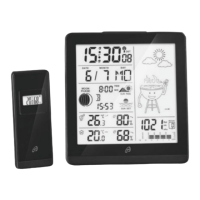
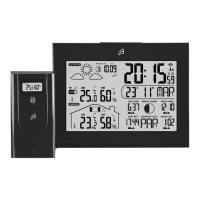
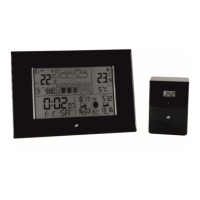
The weather station regularly receives the data from the sensors. If the
data reception fails, you may carry out a data update directly by
pressing and holding the ROOM 1, 2 or 3 button 30. If reception is
successful, the signal reception symbol 17 appears in the display.
Naming the sensors
The sensors can be placed in different rooms or outdoors. It is possible
to assign a name to each sensor on the radio controlled weather
station at 16. For example, a sensor placed in the bathroom could be
named BATH. When setting the names it is possible to select one of the
pre-set names: BATH, BEDRM, KID1, KID2, YARD. It is also possible to
enter custom names with up to 5 characters each.
Setting pre-set names
BAD BETT KIND1 KIND2 GARTN
BATH BEDRM KID1 KID2 YARD
BAIN SOMML
ENF1 ENF2 JARDN
BAGNO
SONNO
BAMB1 BAMB2 GIARD
BANO DORMI NINO1 NINO2 JARDN
BADEV SOEVN BARN1 BARN2 HAVE
BADRM SOEMN
BARN1 BARN2 TRADG
To select a name for sensor 1, press the 1-ROOM-button 30. Press the
1-ROOM-button 30 again to view the different pre-set names. If you
wish to select one of the names, wait for 5 seconds until the selected
name no longer blinks. The name is now set. Select the names for the
other rooms in the same way.
Setting custom names
Custom names can also be set for the sensors. Up to 5 custom names
can be set. When a sixth name is set, the first stored name will by
overwritten automatically. To set a custom name, the letters A-Z, the
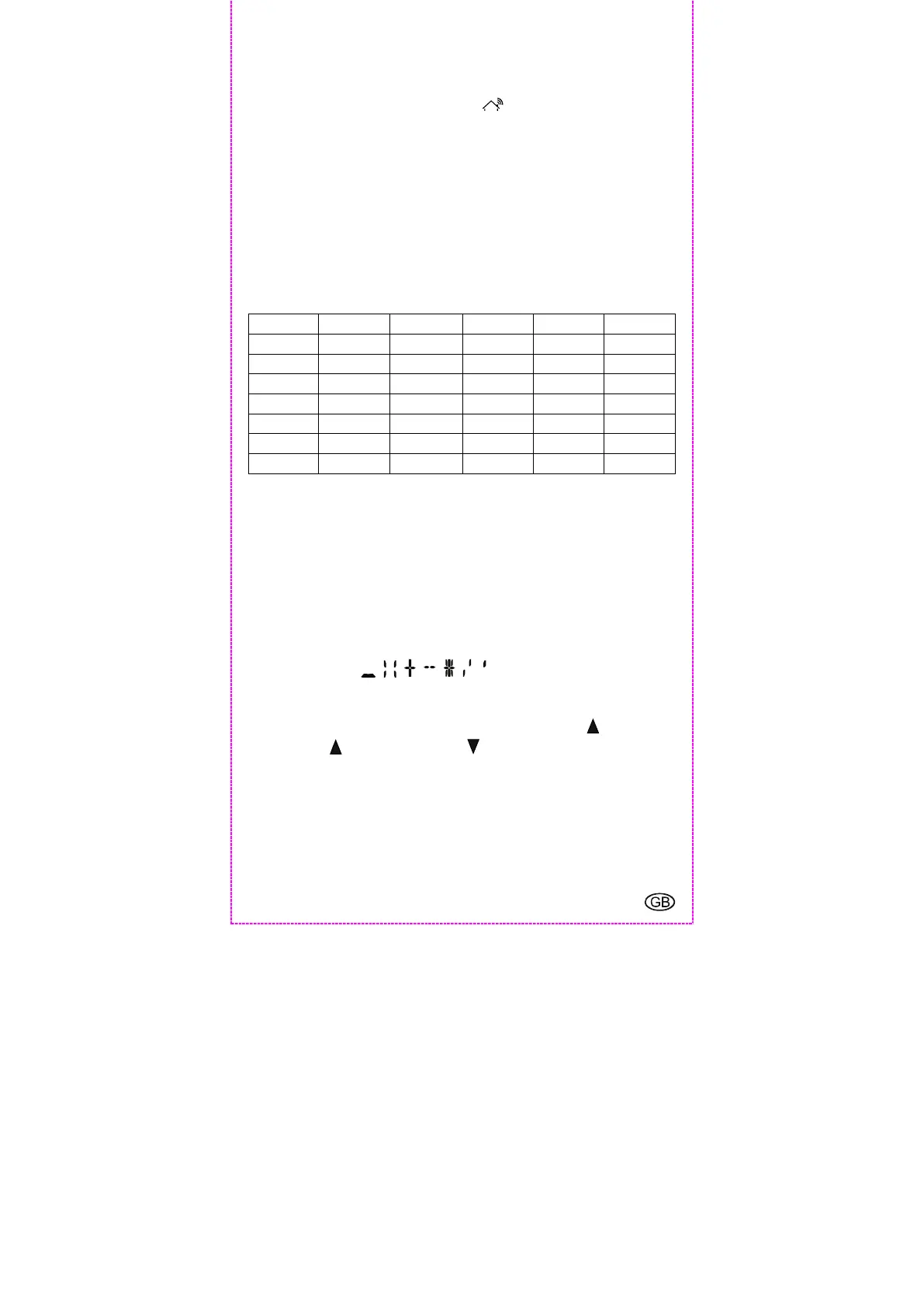
special characters , , , , , , , and the numbers 0-9 are
available.
To set a custom name for Sensor 1, please proceed as follows: Press
the 1-ROOM-button 30 and then immediately press the up-button
25. Press the up-button 25 or the down-button 26 to select a
character. When the desired character appears, press the 1-ROOM-
button 30 to confirm your setting and move to the next character of 5
possible characters in the name. It is possible to delete characters by
pressing the SET-button 32. Once 5 characters have been entered the
display will automatically return to normal time display mode. If you
have entered less than 5 characters, press the 1-ROOM-button 30 2x


 To Next Page