6 ENGLISH
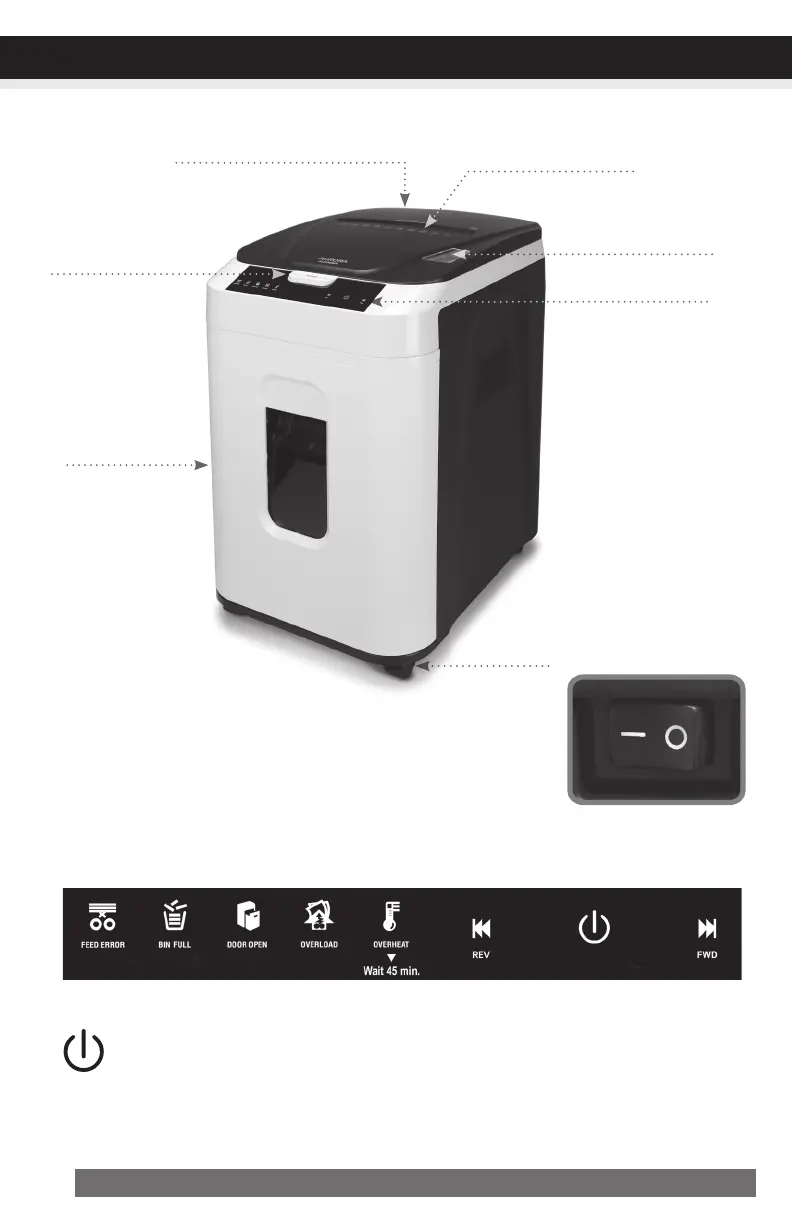
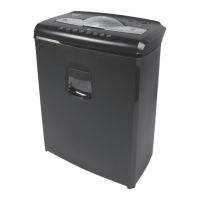
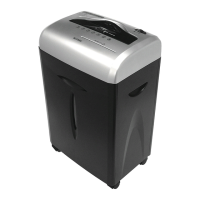
Casters
ControlPanel
PaperTray
ViewingWindow
Manual-FeedSlot
TopLidButton
MainPowerSwitch (at back of machine)
The Main Power Switch must be “ON” to operate. In an emergency,
stop the shredder immediately and turn switch to “OFF” mode. This
completely disconnects all power to the machine.
ControlPanel:
•Auto-On(blue):
This setting automatically starts the shredder by loading paper into the paper tray or
inserting paper into the manual-feed slot. When the paper has passed through, the
shredder automatically stops.
ONOFF
– O
CONTINUED NEXT PAGE
OPERATION
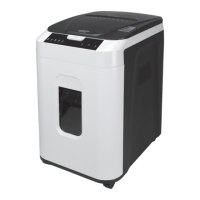
PulloutBin
MainPowerOn/OffSwitch
(atbackofmachine)


 To Next Page