8 ENGLISH
OPERATION
Auto-FeedShreddingOperation:
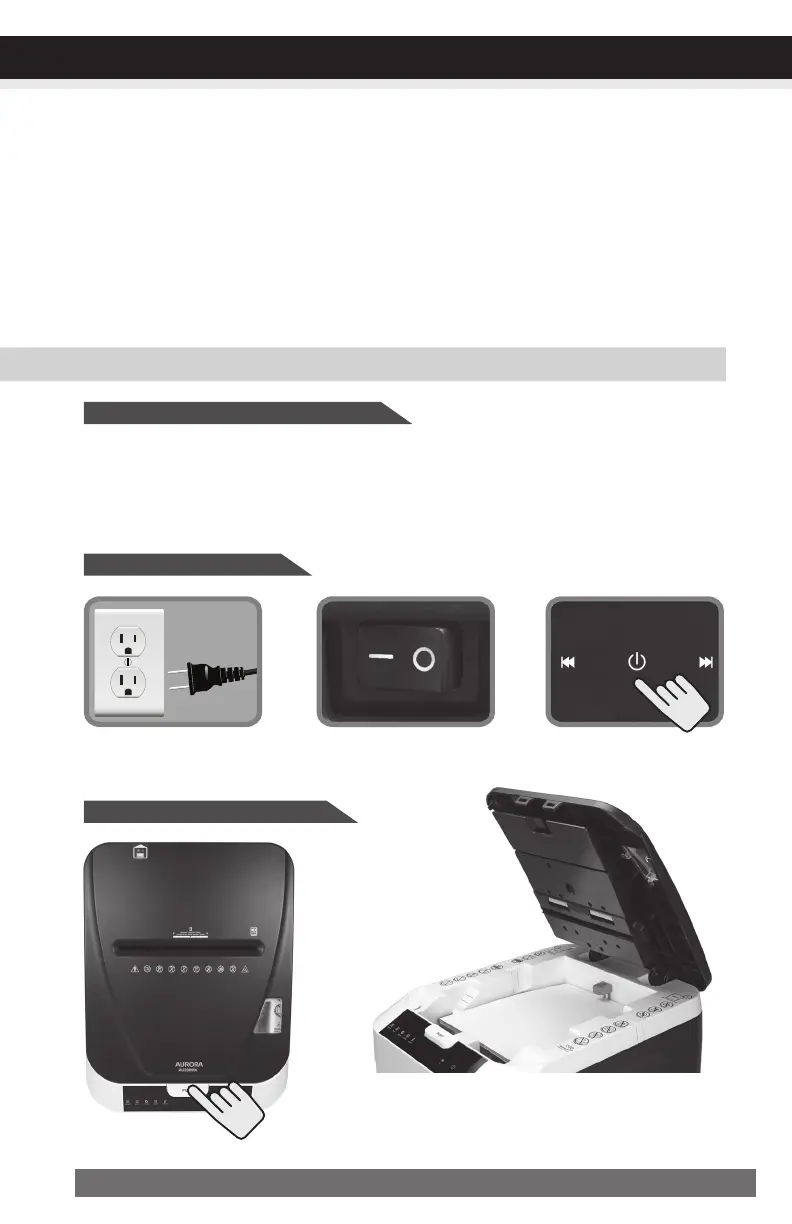
Put main power switch
in ON (–) position.
Turn power on.
Plug into ground standard US
household power outlet (120-V).
•Poweronshredder
•Openlidandloadpaper*
*Papershouldbeflatandalignedwith
papertray.
Features:
•Auto-ReverseTechnology:
When shredder detects over-capacity shredding, the motor will immediately stop and
reject paper before actual shredding begins.
•EnergySavingAutoPower-Sleep:
This setting turns off all features of the shredder. For safety reasons, we recommend
that you leave shredder in the OFF position whenever it is unattended or not in use.
Shreds:
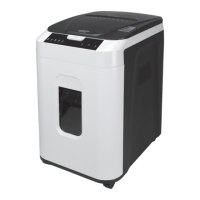
• Maximum 200 sheets of letter size (8-1/2” x 11”) 20 lb bond paper per load
• Up to 20 sheets stapled paper stacks
• Up to 20 sheet clipped paper stacks
•Auto-FeedShreddingCapacity:
CONTINUED NEXT PAGE


 To Next Page