COD. 7
COD. 7
COD. 8
COD. 7
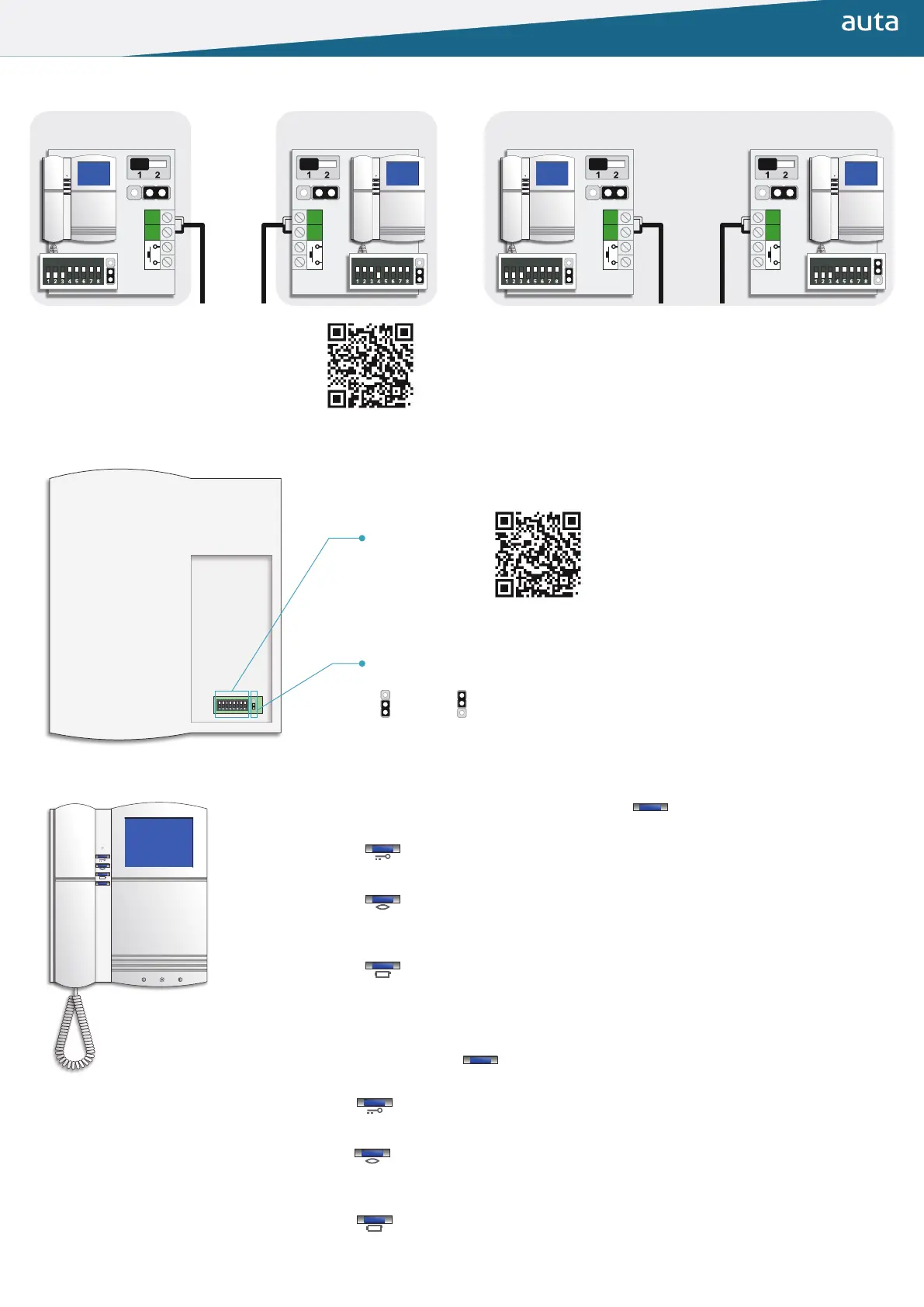
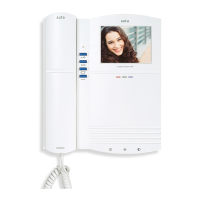
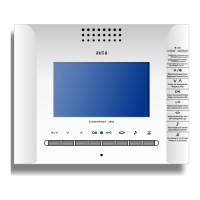
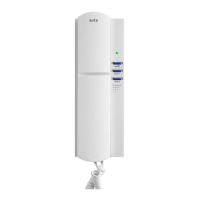
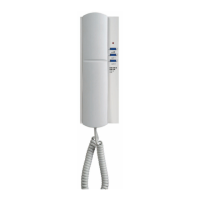
Instalación Installation
Conguración Conguration
Funciones especiales (USUARIO) Special functions (USER)
Manual de instalación 2H
Installation manual 2W
Código de llamada
(Binario)
Call code
(Binary)
Selector PRINCIPAL_SECUNDARIO
MAIN_SECONDARY selector
Principal
Main
Secundario
Secondary
Configuración del sistema digital
Digital system configuration
▶ Entrar en programación presionando durante 3 segundos , led parpadea ROJO.
(Esperar 30 segundos para salir)
○ Si pulsamos activamos (destello VERDE) o desactivamos (destello ROJO) la
función ALARMA DE PUERTA.
○ Si pulsamos activamos el modo PRIVACIDAD, 2 horas (1 destello VERDE en
reposo), 4 horas (2 destellos VERDES en reposo) u 8 horas (3 destellos VERDES en
reposo). Durante este modo no se generarán timbrazos de llamada.
○ Si pulsamos activamos (destello VERDE) o desactivamos (destello ROJO) la
función APERTURA AUTOMÁTICA. Durante 4 horas el monitor abrirá la puerta
automáticamente al recibir una llamada.
Esta función ha de habilitarse previamente en “Funciones especiales (INSTALACIÓN)”
▶ Enter programming by pressing for 3 seconds, led lashes RED.
(Wait 30 seconds to exit)
○ If we press we activate (GREEN lash) or deactivate (RED lash) the DOOR ALARM
function.
○ If we press , we activate the PRIVACY mode, 2 hours (1 GREEN lash at standby), 4
hours (2 GREEN lashes at standby) or 8 hours (3 GREEN lashes at standby). During this
mode call rings will not be generated.
○ If we press , we activate (GREEN lash) or deactivate (RED lash) the AUTOMATIC
OPENING function. For 4 hours the monitor will open the door automatically upon
receiving a call.
This function must be previously enabled in “Special functions (INSTALLATION)”
AUX
AUX


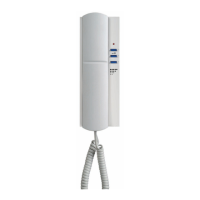
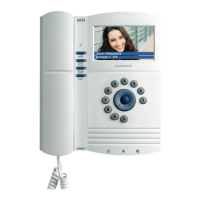
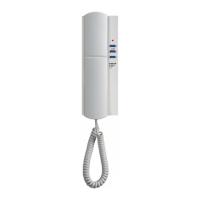
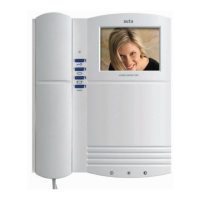

 To Next Page