Bringing people together
auta.es
Functioning
calling and conversation
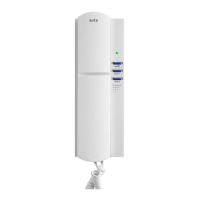
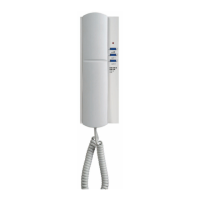
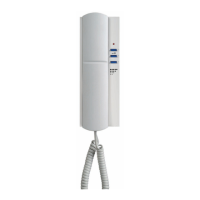
When a call is received from another terminal, the phone starts ringing for a maximum of 30 seconds. As standard, it
performs 4 rings with intervals of 4 seconds between each of them.
During the call period, the user can pick up the handset to establish a conversation. The conversation has a maximum
of 90 seconds. If you want to continue with the conversation make a new intercom calling to the same device.
broadcast calling function
With the phone in standby press the button during 3 seconds, the LED starts blinking fast. When you pick up the
handset it will make a calling to all devices installed at system.
ding dong function
The phone allows to replace the interior bell of the house, this integrates the two calls (outside panel and house bell)
in a single device. These calls will be dierentiated with dierent melodies and lashes automatically. In order to have
this function, you only have to connect the button of the house bell to the phone.
external functions
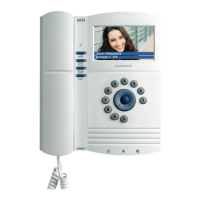
The monitor has 1 independent push-button that allow auxiliary functions, such as garage doors, lights, irrigation,
etc ...
To do this, an Auta auxiliary relay must be connected to the control circuit we want to control.
adjust of the calling volume
To adjust the volume of the call, insert a clip or similar through the indicated hole and press with it lightly.
The phone has two volume levels (MEDIUM and HIGH)
melody selection
To select a ring tone, you have to pick up the handset and press the hang switch with your inger. With it pressed, a clip
or similar must be inserted in the indicated hole and press with it lightly.
Each press selects a dierent melody from 8 ones available.
INTERCOM calling
Pick up the handset of the phone, press the code of the device to which you want to make a call then press OK. Press C to rectify.
With each press the green LED on the keyboard will lash.
If the phone you want to call is not available, the keyboard will emit several red lashes and will return to standby.




 To Previous Page