LIUPJQ001_eng-00 AUTEC
20
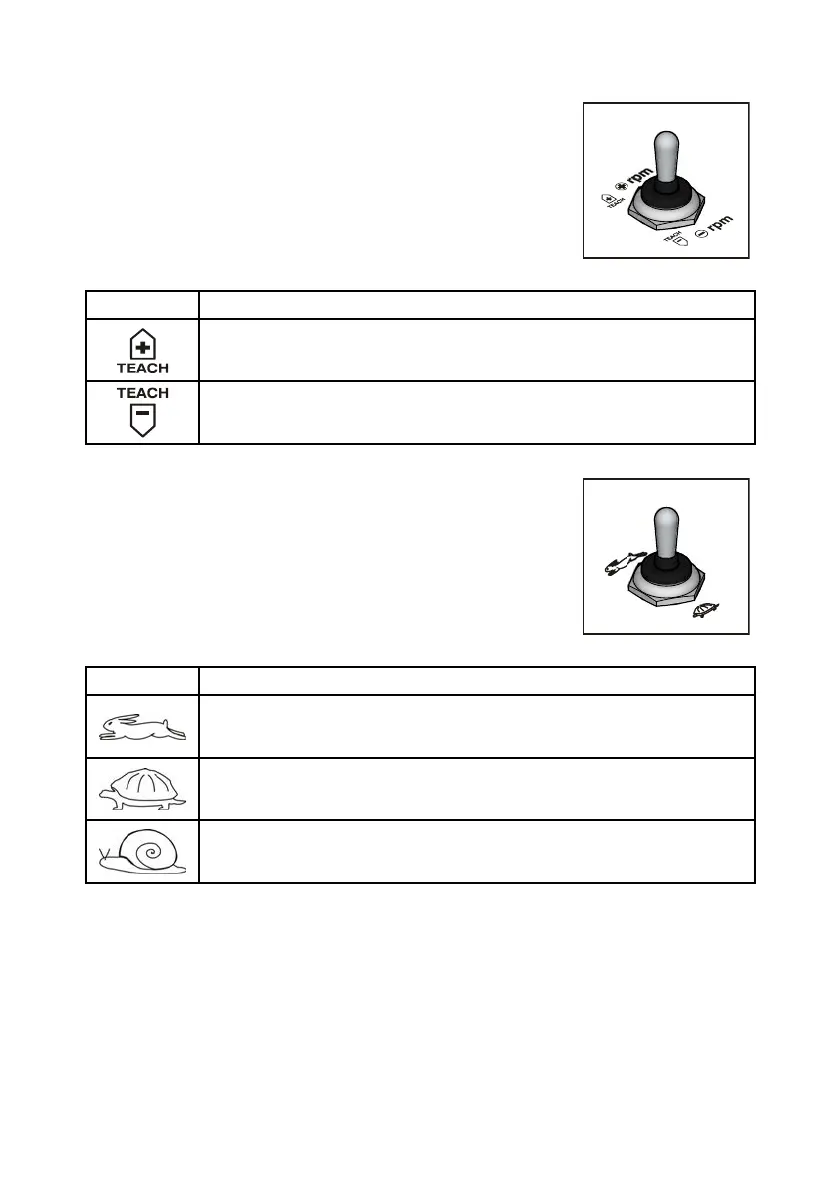
8.5.2 TEACH switch (during REMOTE SETUP)
This switch is used to:
- Set maximum and minimum values of proportional outputs (see
"Part D" in the Inruction Manual).
- Set values related to the re position of proportional outputs (oset)
(see "Part D" in the Inruction Manual).
- Invert the movement direction of the joyick's axis (see the
Inallation Manual).
Symbol Meaning
This symbol identifies the TEACH+ command.
This symbol identifies the TEACH- command.
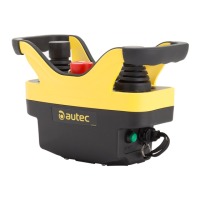
8.5.3 MOVEMENT SPEED SELECTOR
This switch is used to modify the speed of the Machine movements.
Depending on the configuration:
- It sets two or three speed levels.
- It increases or decreases speed.
The levels and the speed increase and decrease are chosen by the
Machine Manufacturer.
Symbol Meaning
Depending on the configuration, this symbol indicates:
- the normal speed of the Machine movements or
- the increase of speed of the Machine movements.
Depending on the configuration, this symbol indicates:
- the reduced speed of the Machine movements or
- the decrease of speed of the Machine movements.
If this symbol is present, it indicates that the speed of the Machine movements is
further reduced.



 To Next Page