Backlight
Beep
Touch
Remote Desk
About
Printing
5.2. Wi-Fi
The Wi-Fi function allows you to use wireless network connection on the
scan tool.
1. Follow the instructions in the General Procedures to display the
Setup/Help screen.
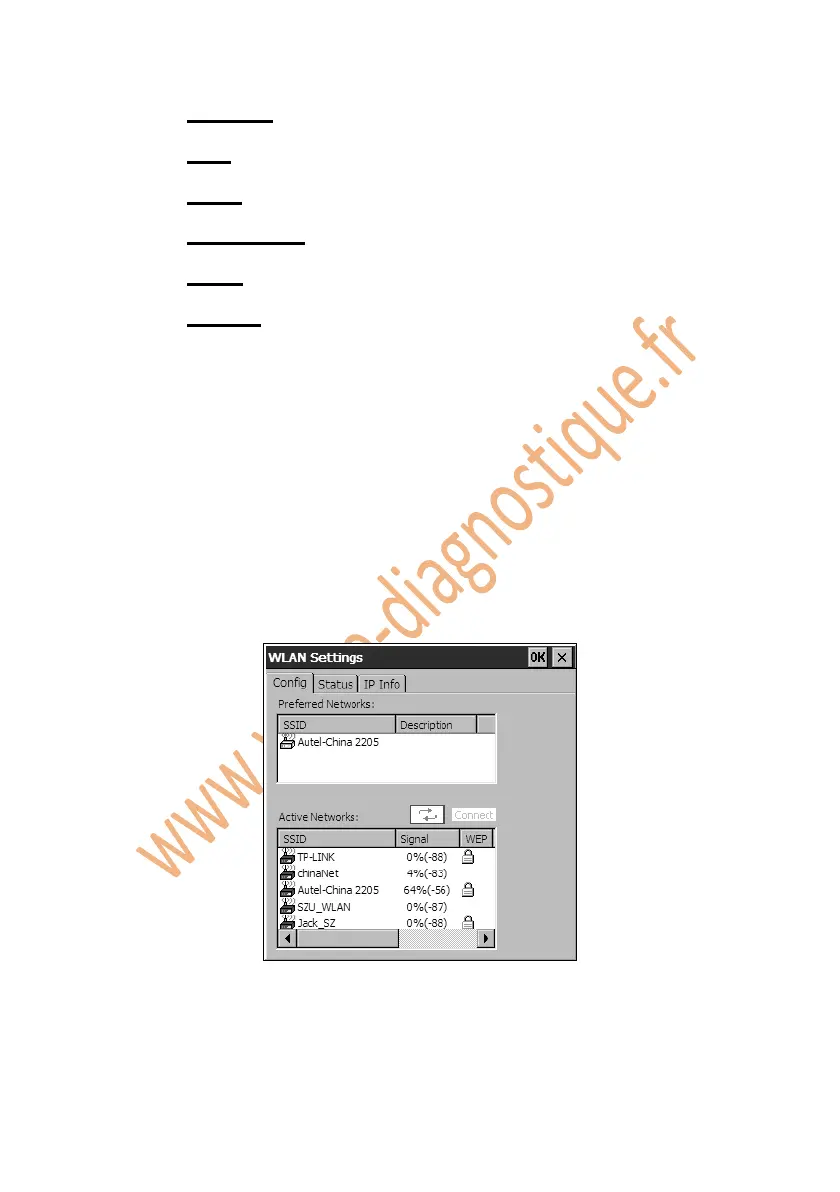
2. Click on the Wi-Fi icon and wait for the WLAN Settings window to pop
up.
Figure 5.2: WLAN Settings Window
3. Select the network you want to connect in the Active Networks column,
and click on the Connect button.















 To Next Page