4. Click on OK to save your configuration and exit or Cancel to exit without
saving changes.
5.7. Backlight
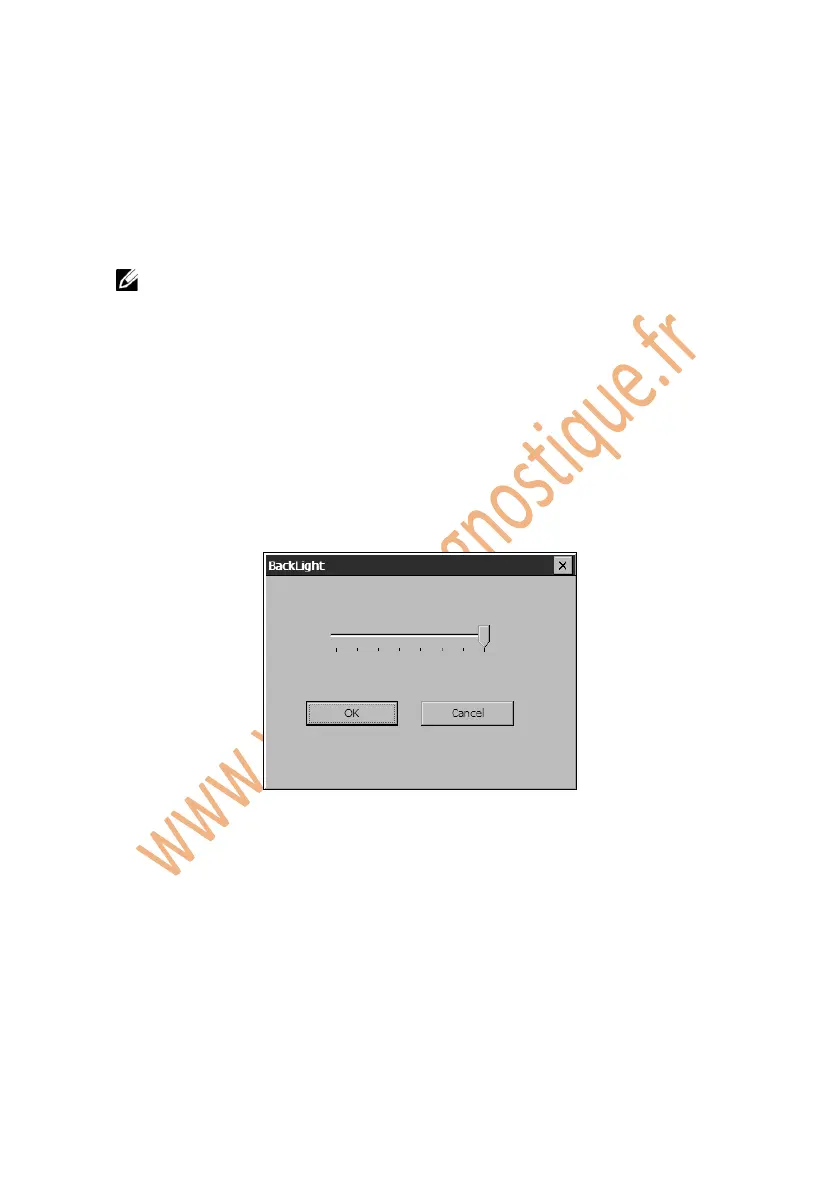
The Backlight function allows you to adjust the screen backlighting.
NOTE: Temperature or lighting may affect the brightness of the scan
tool screen. If necessary, use the Contrast Adjust function to adjust the
screen for working conditions.
1. Follow the instructions in the General Procedures to display the
Setup/Help screen.
2. Click on the Backlight icon and wait for the Backlight window to pop up.
3. Drag the slider left to bright up the screen or drag the slider right to
bright down.
Figure 5.8: Backlight
4. Click on OK to save your configuration and exit or click Cancel to exit
without saving changes.
5.8. Beep
The Beep function allows you to control audible beeping.
1. Follow the instructions in General Procedures to display the Setup/Help
screen.















 To Next Page