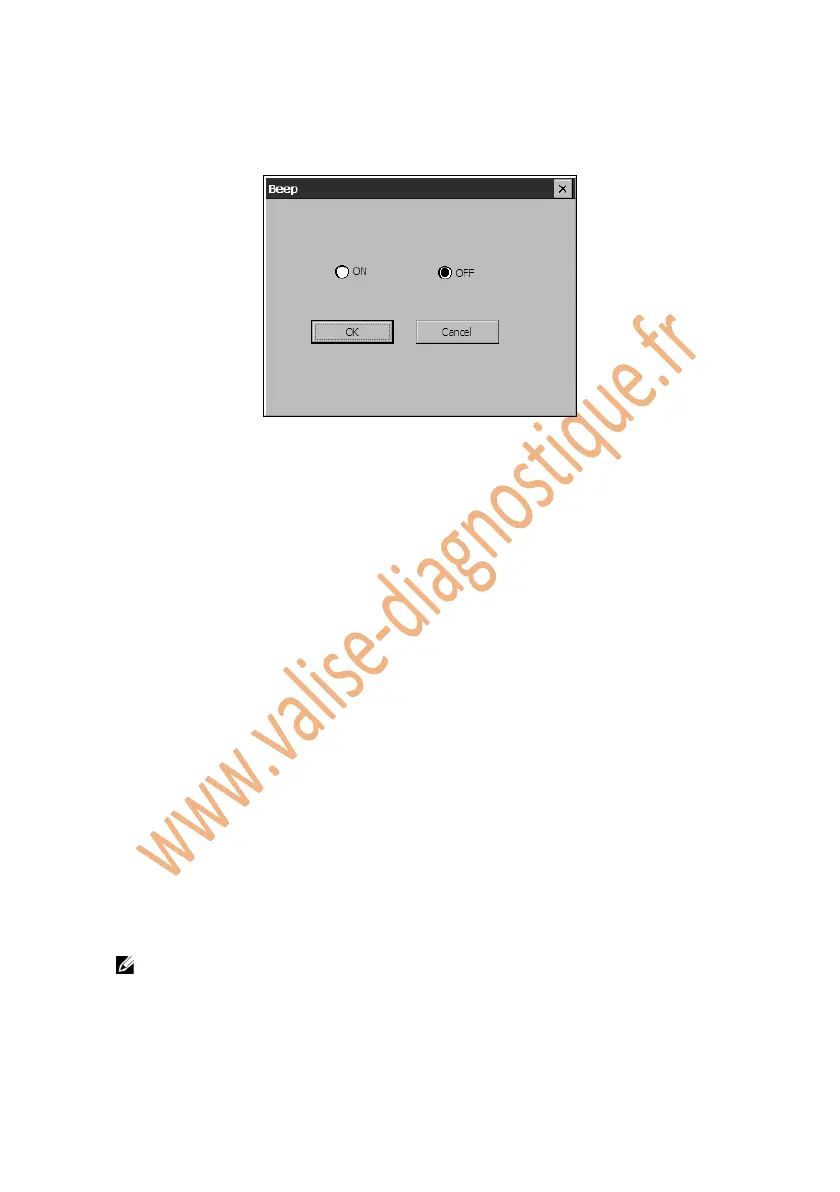
2. Click on the Beep icon and wait for the Beep window to pop up.
Figure 5.9: Beep
3. Click on the ON option for audible beeping or click on OFF to mute it.
4. Click on OK to save your configuration and exit or click Cancel to exit
without saving changes.
5.9. Touch
The Touch function allows you to calibrate the touch screen.
1. Follow the instructions in the General Procedures to display the
Setup/Help screen.
2. Click on the Touch icon and wait for Touch screen to pop up.
3. Click on the center of the target and briefly hold the stylus pen.
4. Repeat the action as the target moves around the screen.
5. Tap the screen to register saved data. To exit without saving changes,
simply wait for 30 seconds.
NOTE: Only use the supplied stylus pen or plastic-tipped pens on touch
screen display. Do not use pencil, pen or any other sharp object.















 To Next Page