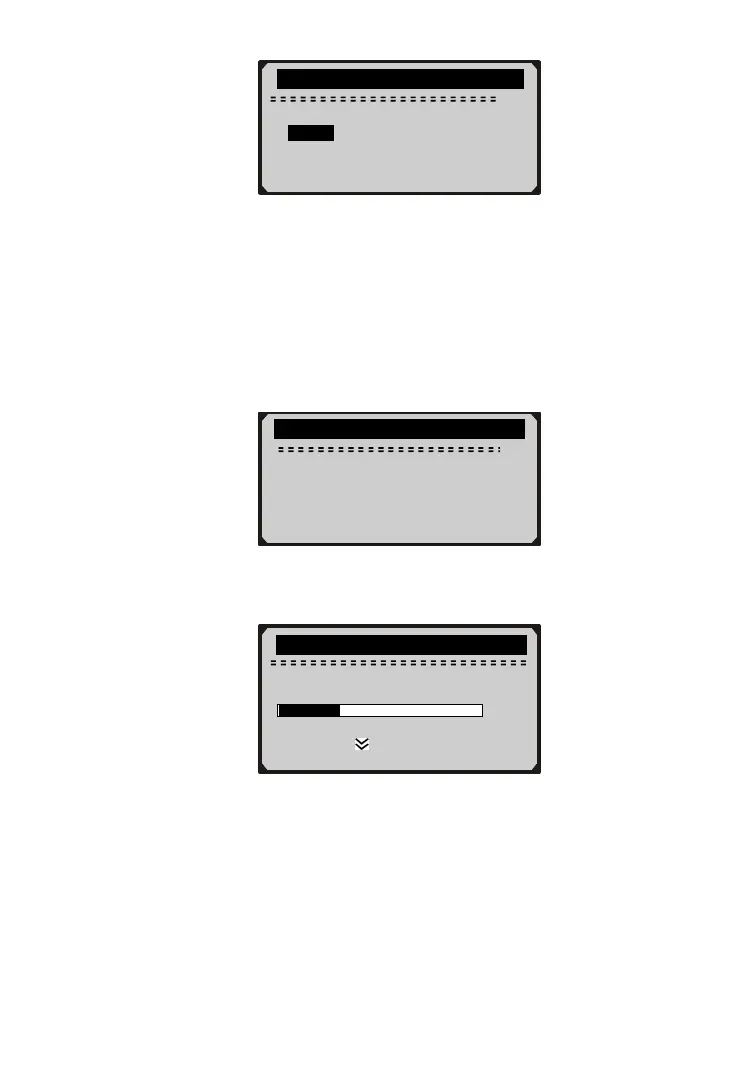
………….Unit of Measure…………….
2/2
English
► Metric
3) Press ENTER/EXIT button to save your selection and return to
previous menu.
Contrast Adjustment
1) From System Setup menu, use SCROLL button to select
Contrast, and press ENTER/EXIT button.
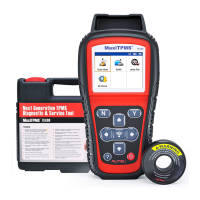
…………….System Setup……………….
3/4
1) Language
2) Unit of Measure
►3) Contrast
4) Exit
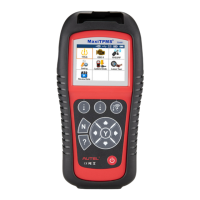
2) From Contrast menu, use SCROLL button to adjust contrast.
…………….…..Contrast ………………….
Contrast (35%)
12
3) Press ENTER/EXIT button to save your settings and return to
previous menu.
Exiting System Setup
1) Use SCROLL button to select Exit and press ENTER/EXIT
button to return to startup menu.
Use to change



 To Next Page