not start the engine.
1) If you decide to erase the DTCs, use SCROLL button to select
Erase Codes from Diagnostics Menu and press ENTER/EXIT
button.
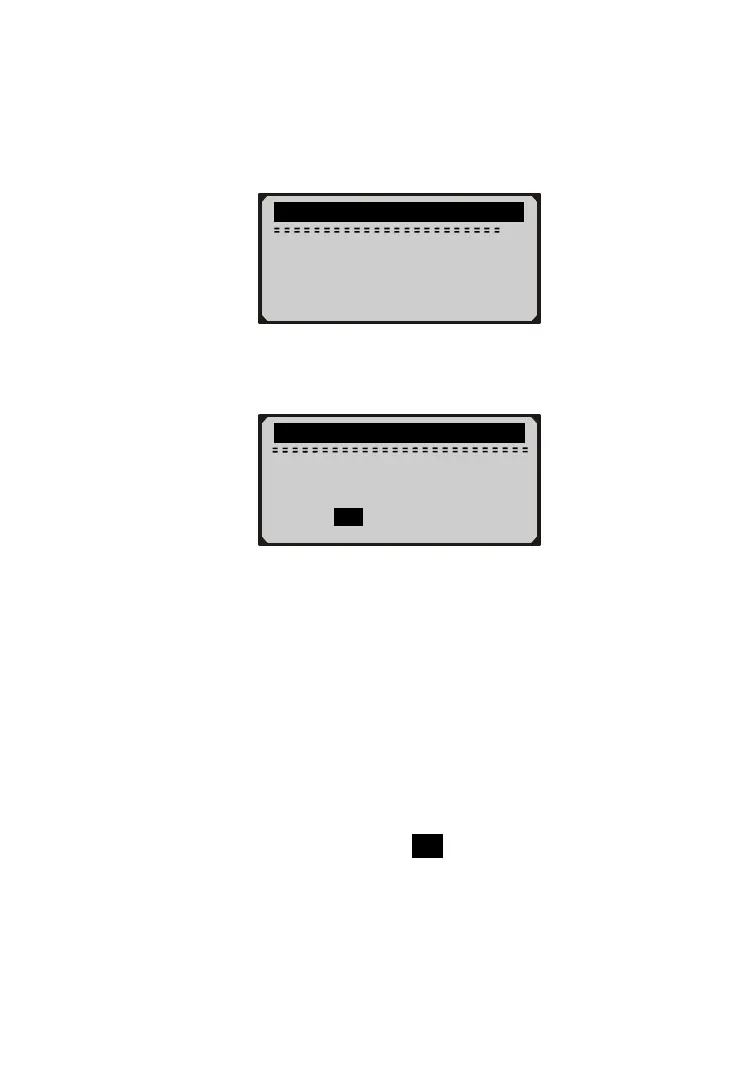
...........Diagnostic Menu............
2/6
1) Read Codes
►2) Erase Codes
3) Freeze Frame
4) I/M Readiness
2) A warning message comes up asking for your confirmation.
.............Erase Codes................
Erase trouble codes!
Are you sure?
YES NO
3) If you want to proceed with erasing the codes, press
ENTER/EXIT button to erase.
z If the codes are cleared successfully, an “Erase Done!”
message shows up.
z If the codes are not cleared, then an “Erase Failure. Turn
Key on with Engine off!” message displays.
4) Wait a few seconds or press any key to return to Diagnostic
Menu.
z
If you do wish to proceed to erase the codes, then press
SCROLL button to select NO and press ENTER/EXIT. A
“Command Canceled” message shows up. Press any key
or wait a few seconds to return to Diagnostic Menu.
17



 To Next Page