13
| Fingerprint Highlights
• Up to 10x fingerprints, when it’s full (10x fingerprints), user can’t enroll new fingers in.
• For new fingerprint enrollment, it always needs authorization from enrolled fingerprints (verify by enrolled
fingerprint first).
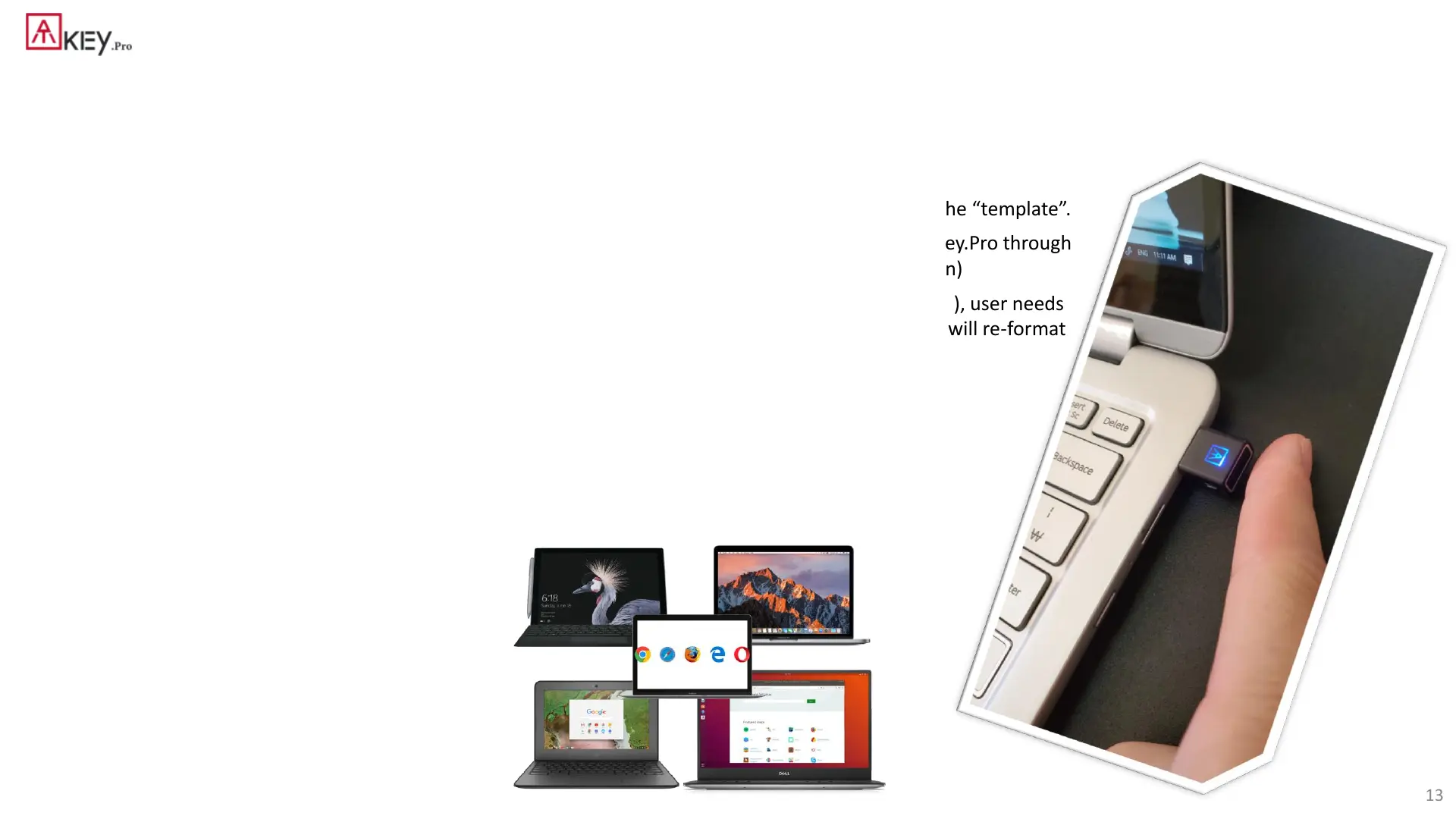
• For fingerprint enrollment, users need to touch sensor continuously around 12 times to complete the “template”.
• Following FIDO2 spec., adding PIN code into ATKey.Pro is preferred; user can add PIN code into ATKey.Pro through
Windows Settings (1903 or later builds) or adding from ATKey for Windows (2.0.58.0 or later version)
• Following FIDO2 spec., it allows 3 times continuous failure during one “cycle” (LED will be static RED), user needs
to remove the dongle from Host and re-insert for another cycle; if it fails 5 cycles continuously, Key will re-format
and reset.


 To Next Page