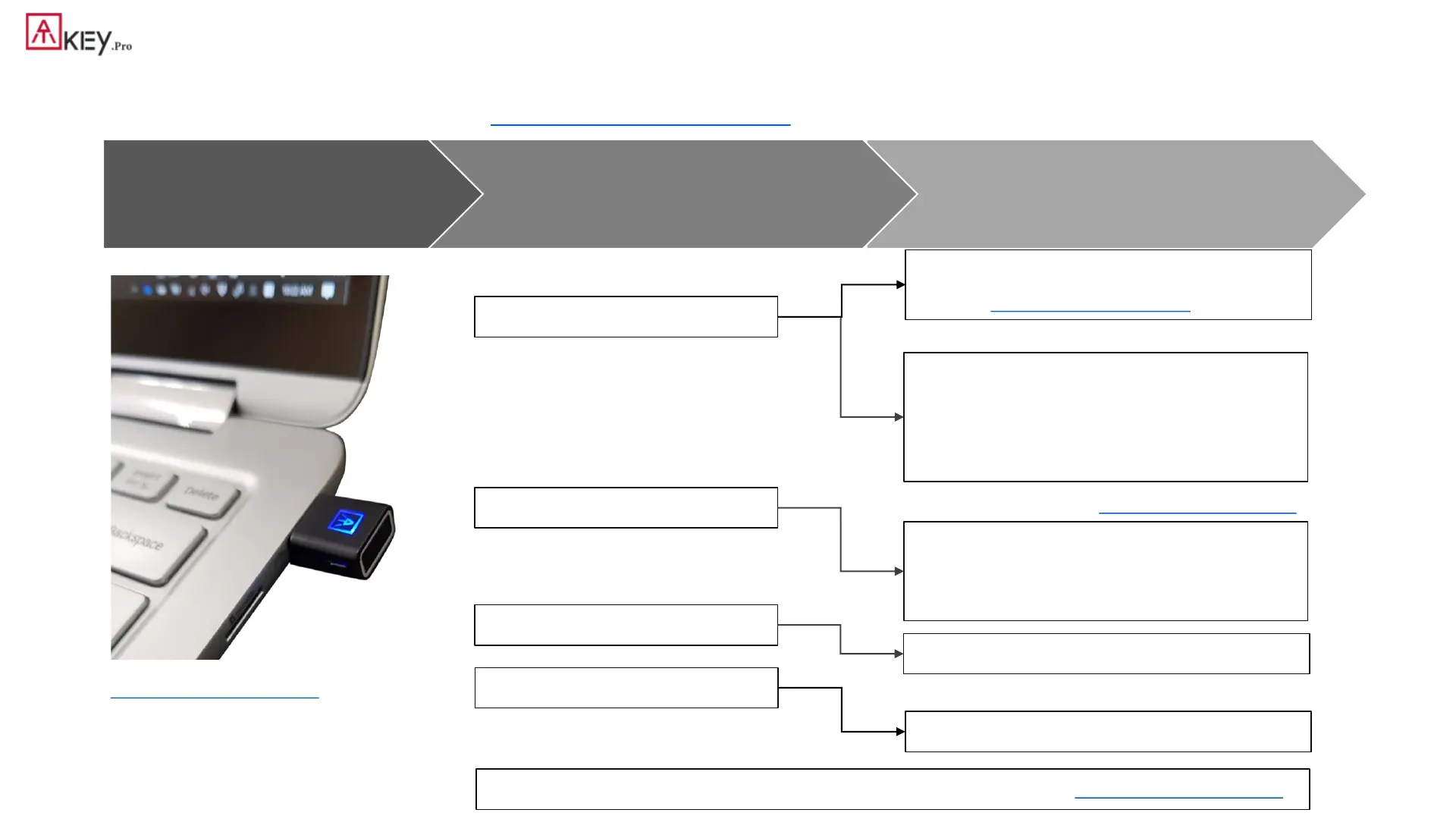
5
| Functionalities
Step 3
Fingerprint matching for authentication
Step 2
Register ATKey to device or Service
Step 1
Enroll fingerprint to ATKey
Windows Hello (option)
FIDO U2F
FIDO2
Windows Logon (via CDF)
Login Google, Facebook, Dropbox,
Salesforce, Gitlab via Chrome
browser as 2
nd
factor
Passwordless login Microsoft account
or other FIDO2 authentication via
Browsers on Windows , Mac and
Chromebook
OTP (option)
2FA via OTP
Azure AD Passwordless logon
Standalone enrollment (patent filing)
https://youtu.be/lDrcZxWXAL4
or through Windows Settings (build 1903)
or through “ATKey for Windows” app
* If your Windows joined Azure AD, don’t enable this one
* This is only for customization projects or customers
You can find FIDO security key readiness services from here:
https://www.dongleauth.info/
* Please visit video for below 3 steps: https://youtu.be/-9ZCtPG-1J0
Bio-Safe ™ (firmware is >= 1.0.9)
https://youtu.be/sM30S7ykNHE
https://youtu.be/Q1CylOa8lV8


 To Next Page