EasyManua.ls Logo

AUTOHELM ST 50 plus - Page 21

AUTOHELM ST 50 plus
47 pages
Print Icon
To Next Page IconTo Next Page
To Previous Page IconTo Previous Page
Loading...
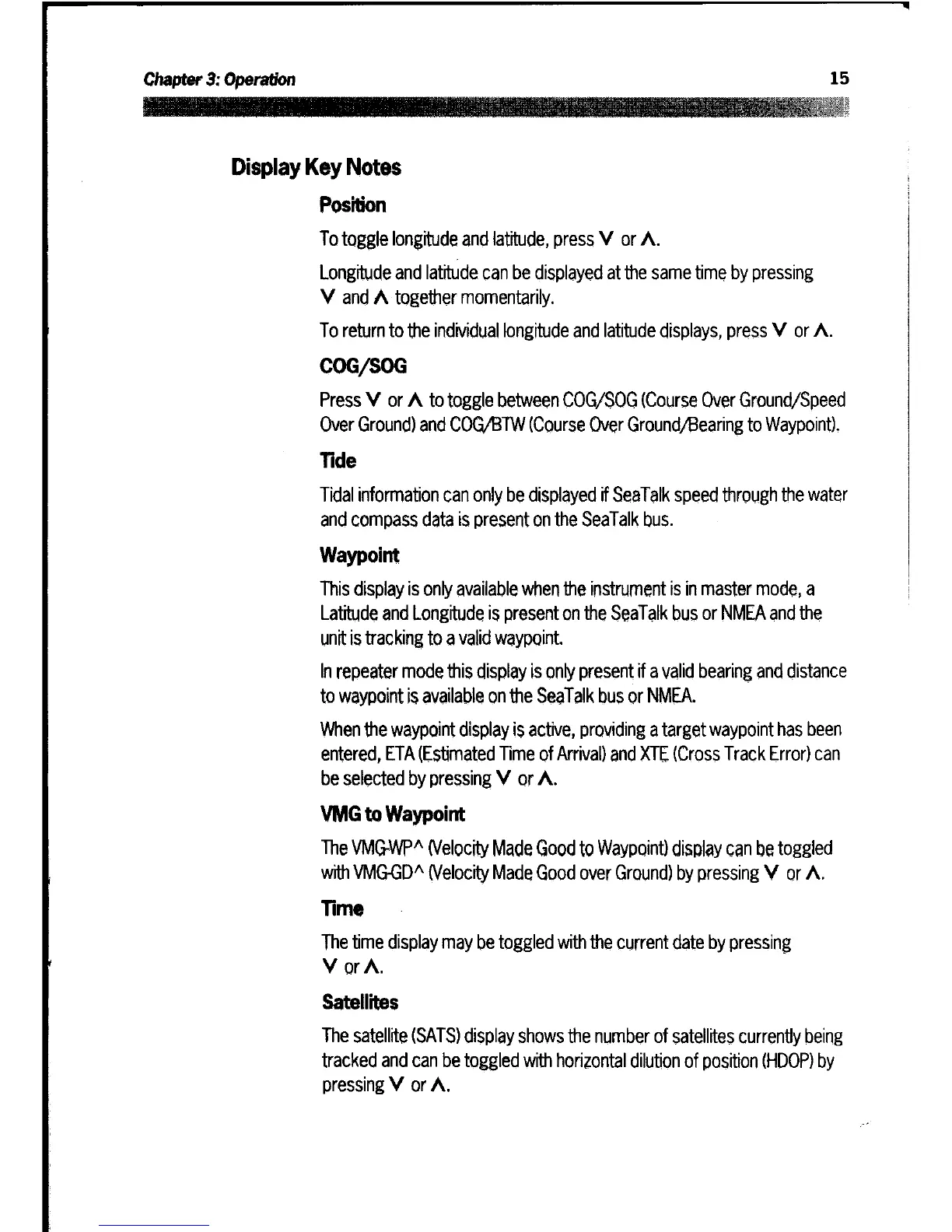
Display
Key
Notes
Position
To
toggle
longitude
and
latitude,
press
V
or
^
.
Longitude
and
latitude
can be
displayed
at
the
same
time
by
pressing
V
and
A
together
momentarily
.
To
return
to
the
individual
longitude
and
latitude
displays,
press
V
or
^
.
COG/SOG
Press
V
or
^
to
toggle
between
COG/SOG
(Course
Over
Ground/Speed
Over
Ground)
and
COG/BTW
(Course
Over
Ground/Bearing
to
Waypoint)
.
Tide
Tidal
information
can
only
be
displayed
if
SeaTalk
speed
through
the
water
and
compass
data
is
present
on
the
SeaTalk
bus
.
Waypoint
This
display
is
only
available
when
the
instrument
is
in
master
mode,
a
Latitude
and
Longitude
is
present
on
the
SeaTalk
bus
or
NMEA
and
the
unit
is
tracking to
a
valid
waypoint
.
In
repeater
mode
this
display
is
only
present
if
a
valid
bearing
and
distance
to
waypoint
is
available
on
the
SeaTalk
bus
or
NMEA
.
When
the
waypoint
display
is
active,
providing
a
target
waypoint has
been
entered,
ETA
(Estimated
Time
of
Arrival)
and
XTE
(Cross
Track
Error)
can
be
selected
by
pressing
V
or
^
.
VMG
to
Waypoint
The
VMG-WP^
(Velocity
Made
Good
to
Waypoint)
display
can
be
toggled
with
VMG-GD^
(Velocity
Made
Good
over
Ground)
by
pressing
V
or
^
.
Time
The
time
display
may
be
toggled
with
the
current
date
by
pressing
V
or
^
.
Satellites
The
satellite
(SATS)
display
shows
the
number
of
satellites
currently
being
tracked
and can
be
toggled
with
horizontal
dilution
of
position
(HDOP) by
pressing
V
or
^
.