Diamond PD Power Drive : Instruction Manual
Dominator Tempo & Syncro Instruction Manual ATS-3AM & ATS-2AM
27
© Copyright 2019
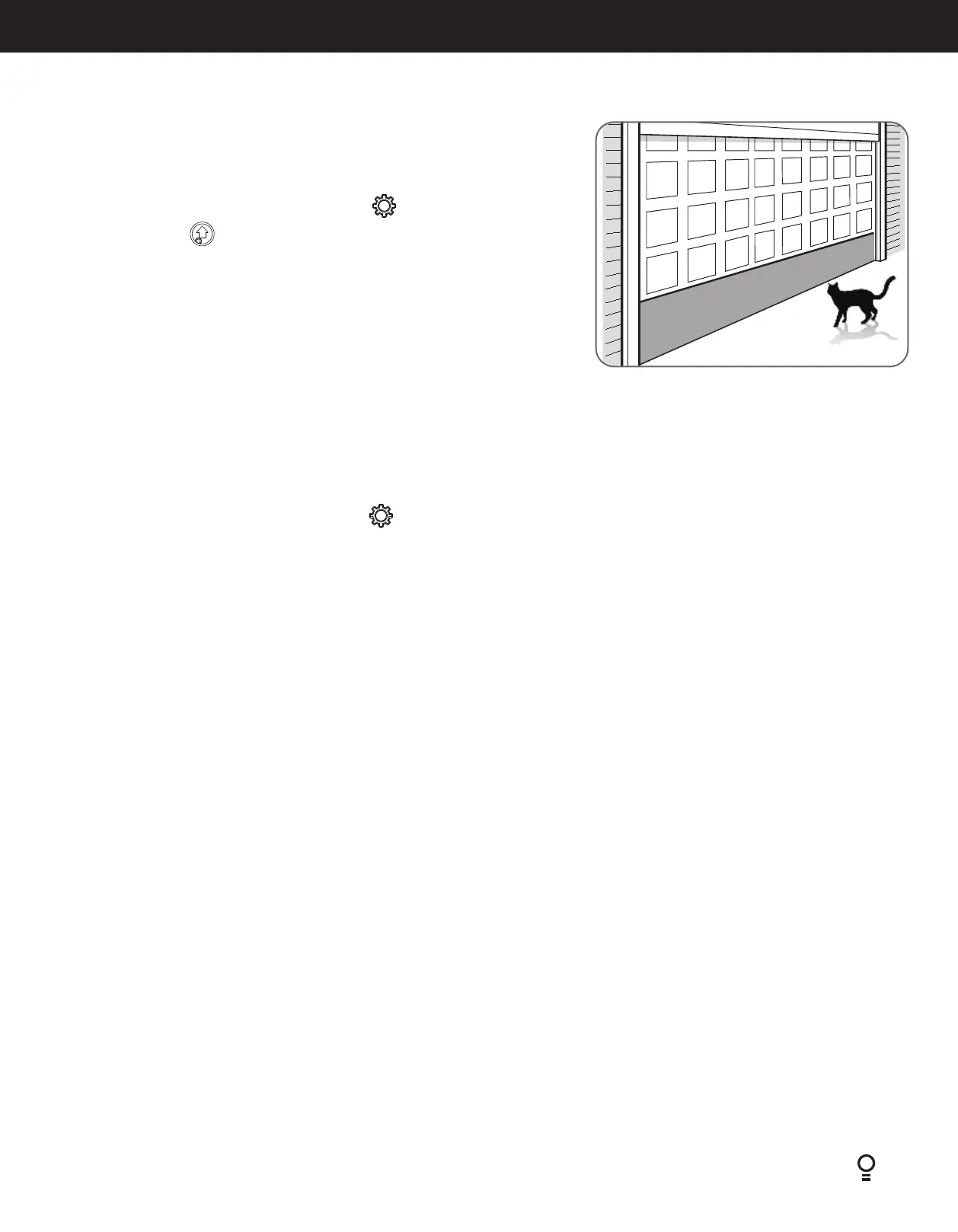
When activated, PET mode drives the door to a preset position from the close position,
therefore allowing a pet or parcel to go under the door.
a. Drive and stop the door at the desired PET mode open position by pressing the
transmitter button coded for Open/Stop/Close operation.
b. Press the MODE button repetitively until the GEAR
LED is lit.
c. Press OPEN button
to save PET position - Main light will flash and both OPEN and
CLOSE LED will light up.
F - Setting the PET Mode position
Prior to limit set up, the opener can be set to J-Type Tilt Profile. This process allows the opener to pre-set to J-Type settings where the limit is not
greater than 1500mm. If J-Type is selected, the speed is customised and cannot be changed.
a. Press the MODE button repetitively until the GEAR
LED starts flashing.
b. Press and hold STOP / SET button for 2 seconds to check the door type, until the main courtesy light turns solid ON or OFF.
• Main courtesy light ON - Tilt type (J-Type only)
• Main courtesy light OFF - Sectional type
c. Press and hold STOP / SET for 6 seconds to change the door type, until the main courtesy light turns solid ON or OFF. If required, repeat step b
to check the door type selected.
d. Press MODE button to exit the door selection mode. Proceed to Section 6.4 to set the limits.
G - Setting up Tilt Door


 To Next Page