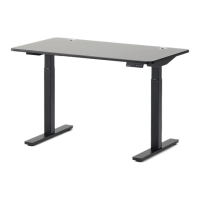
Step 14 of SmartDesk 2
Before plugging the table into the outlet, make sure that:
- The legs are level and set at the lowest position.
- All the screws are tightened, to avoid the desk making noise or wobbling.
Activate the desk by following the next steps:
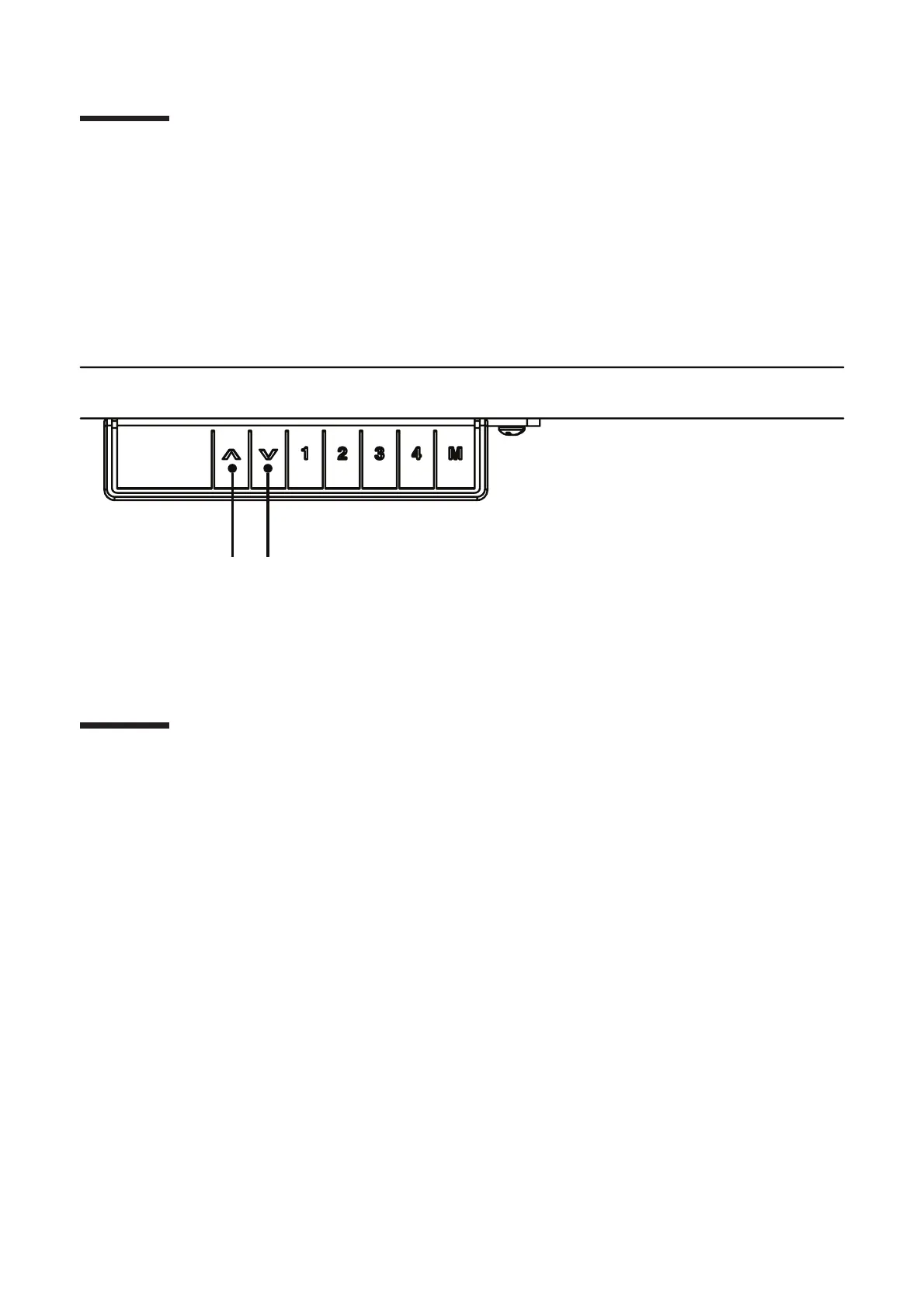
- Press “Up” and “Down” buttons at the same time until the desk beeps and moves down to the lowest
level.
- Release both buttons, then press only the “Down” button until it shows the exact height desired.
1. Adjust SmartDesk’s height
Press the “Up” or “Down” button to adjust the height of the desk.
2. Program preset buttons
To use the presets on the SmartDesk, please follow these steps:
- Set the desk to the height you like.
- Press the M button until the LED flashes.
- Press the number you want the desk set to.
3. Reset the desk
- Unplug the power cord from the control box.
- Unplug the cable that links the keypad to the control box.
- Plug all the cables in again.
- Do the reset: Press “Up” and “Down” buttons at the same time until the desk beeps and moves down
to the lowest level. Release both buttons, then press only the “Down” button until it shows the exact
height desired.
- Your desk is ready to use.
Operation guide
11


 To Next Page