1. Adjust height:
- Tap the “Adjust height” shortcut to sit/stand.
- Tap the 3 dots to see more options and adjust your
preferences by tapping the Edit icon.
- Tap Add to add new height preferences.
2. Order Food:
- Tap the “Order Food” shortcut to directly order the food
displayed on the screen.
- Tap the 3 dots to see more options and select one food
to order for delivery.
- Tap Add to see nearby restaurants, browse their menus
and start ordering.
3. Gestures:
- Download the Gestures app for PC/MAC from
www.autonomous.ai/gestures. Run the program and login
to your Autonomous account to start pairing AI controller
and PC.
- Select See tips for a user guide on using Gestures on AI
controller to control apps on PC.
4. Shortcut Store:
- A place to download additional shortcuts (Request a
ride, Play music, Control lights... ) from the Shortcut Store
to help boost your health and productivity.
Operation guide
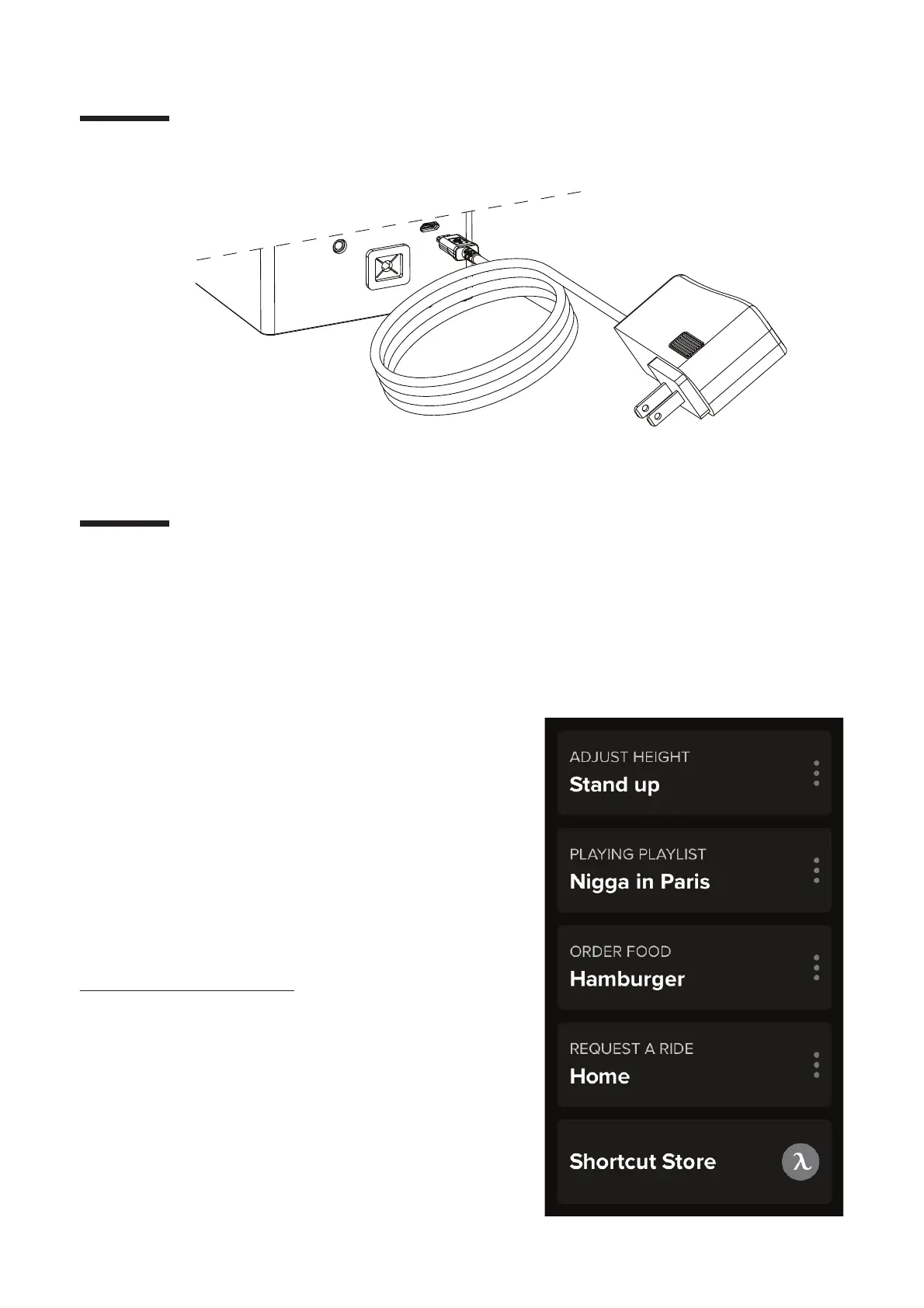
Plug the power cable into the AI controller
and plug in the socket.
Step 16 of SmartDesk 3
14


 To Next Page