22
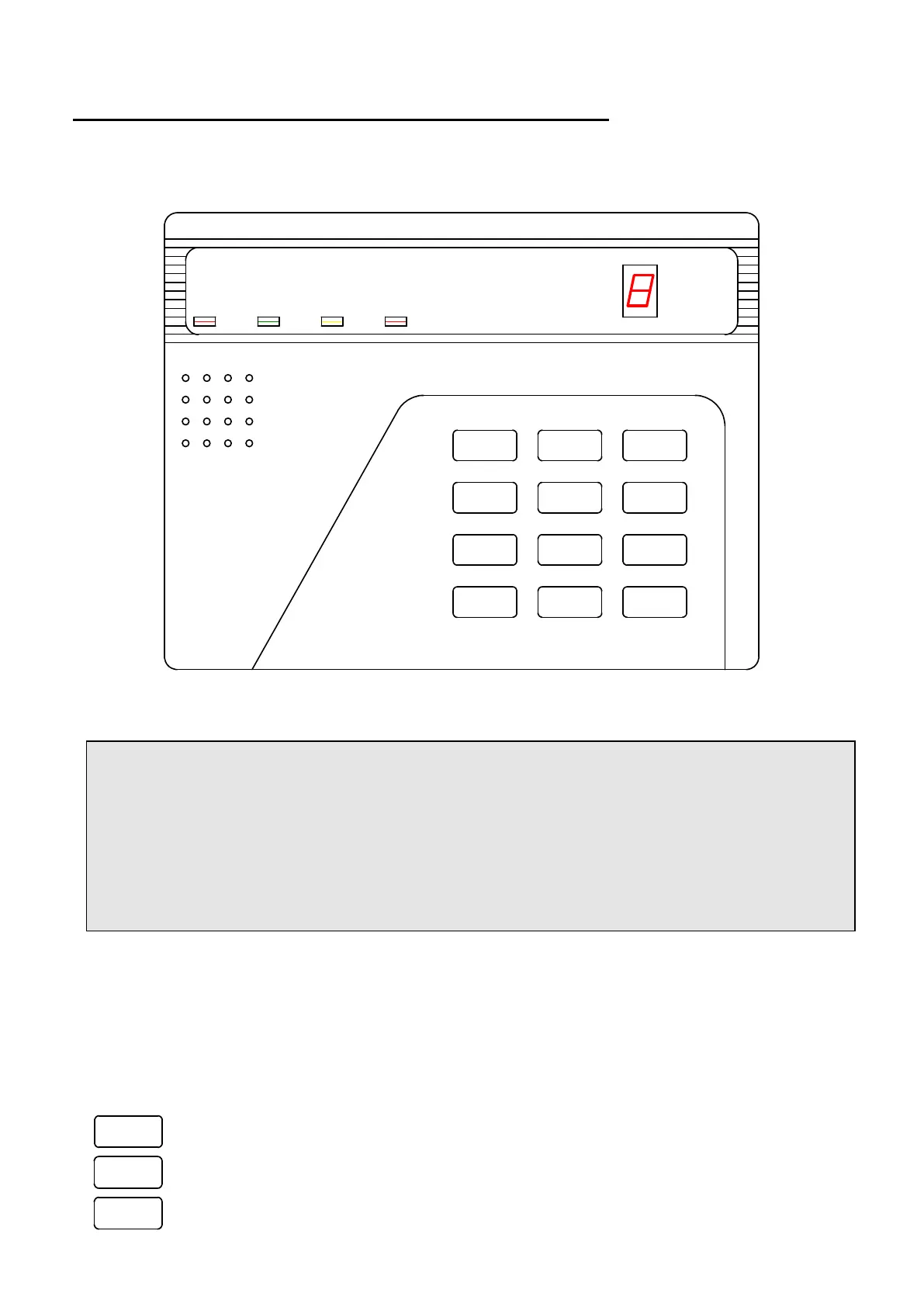
SECTION III: AV-701/702 DIGITAL KEYPAD
1.1 Keypad Functions
*
7
4
1
0
8
5
2
#
9
6
3
Siren
Shunt
Display Status
Delay
Delete
Chime
Test Program Reset
Shunt
Telephone
ARMED
STATUS SHUNT FIRE
ZONE
DISPLAY
EASYLOADER AV-701
AV-GAD
Figure 5: AV-701 Keypad Layout
Common Terms in this Manual
‘SHUNT‘ and ‘BYPASS’ are interchangeable terms
Program Mode - Enables feature programming, ‘P’ is displayed, and alarm is disabled
Use Mode – System is disarmed and not in alarm or program mode
AV-701, AV-701TS, AV-701TI or AV-702 are identical
Most keypad functions described in this section are identical when used LCD type keypad,
unless code entry. For code entry with LCD keypad press # (enter) to confirm
Note: The hold-down functions are similar when using PRO systems interfaced with AV-706/7.
Ordinary keypad functions are accessed by pressing keys (short press). The keys (1 to 0) are
used for Arming/Disarming (ON/OFF), Zone Shunt (Bypass), and other programming functions.
Key entry is confirmed by a short beep.
Short keypad entry accesses the following special functions as described below:
5
Chime
Press key ‘5’ for Instant Arming (requires programming).
0
Shunt
Zone Bypass, by pressing key ‘0,’ followed by entering the Zone number.
0
Shunt
Bypass Zone Via Code (requires programming, see address 071).



 To Next Page