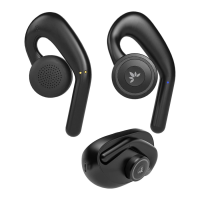
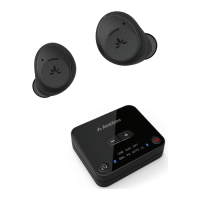
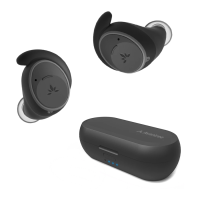
Charging the Earbuds
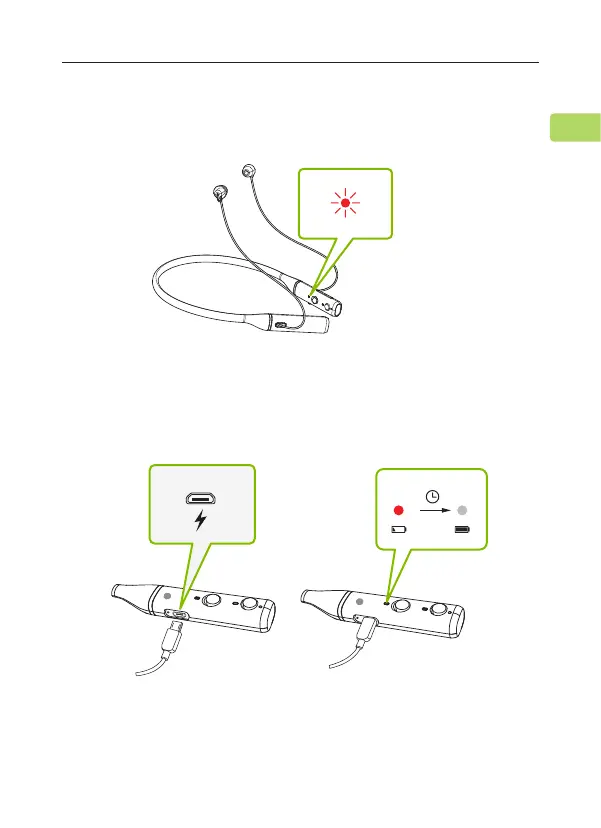
Battery Low
L
1.5H
Low Full
L
The earbuds' LED will ash red every 5 seconds to indicate low battery.
Plug the provided micro USB charging cable into the charging port, then
connect the other end to a 5V/500mA-2A rated USB adapter (your
phone charger or similar should work) or PC USB port.
Solid red lights on the earbuds indicate that charging is in progress;
once the lights turn o, your earbuds will be at full battery.
REPOSE
User Manual
4
EN


 To Next Page