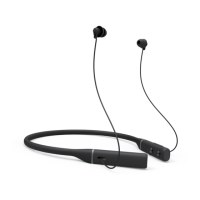
Connecting the Earbuds to Your
Device
STEP 1
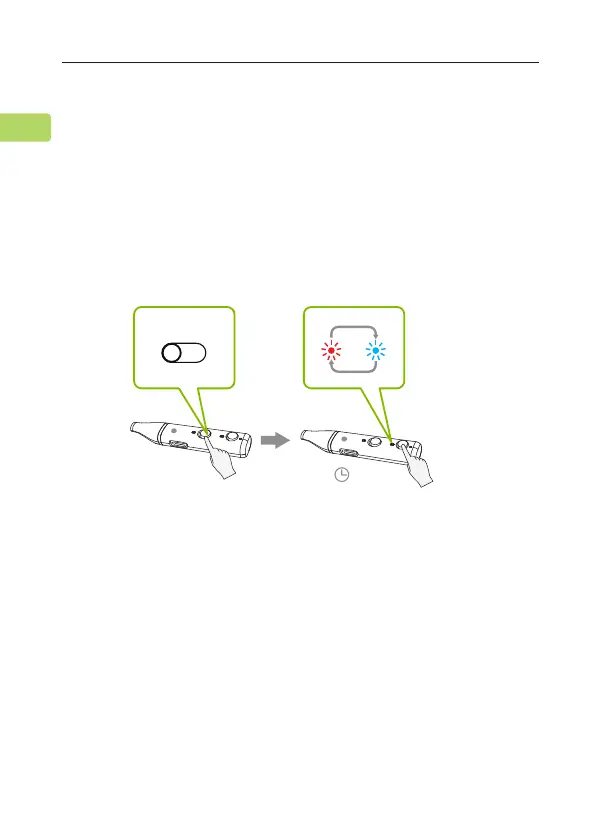
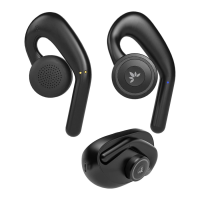
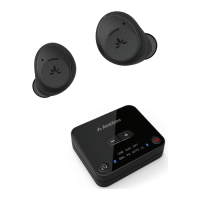
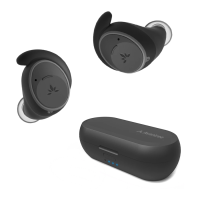
Turn on the earbuds. For rst time use, the earbuds will enter PAIRING
mode automatically.
If not, put your earbuds into PAIRING mode by pressing & holding the
PAIR button until the LED ashes red & blue alternately.
STEP 2
Turn on your device's Bluetooth and select "Avantree Repose" in the
Bluetooth menu.
L
L
Hold for 3s
ON
5
REPOSE
User Manual
EN


 To Next Page