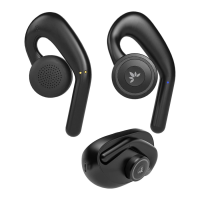
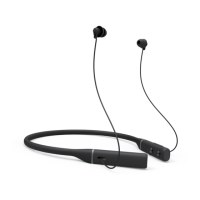
NOTE: You'll need to adjust the volume on both the earbuds &
your phone to reach the lowest volume levels.
STEP 3
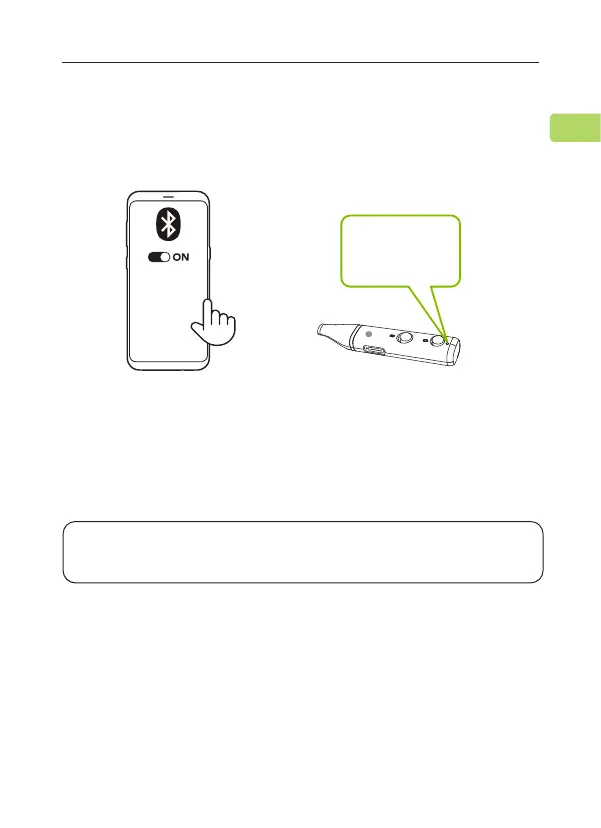
Keep the earbuds close to your device and wait for 5-10 seconds or until
they connect. Once they're successfully connected, the earbuds' LED
indicator will turn o.
For subsequent use, your earbuds should automatically reconnect to the
last-paired device within a few seconds of being turned on. If not, you
can manually activate reconnection by tapping the PAIR button once, or
by selecting "Avantree Repose" in your device's Bluetooth menu.
L
Accessory
Accessory
Avantree Repose
Avantree Aria
MY DEVICES
“Connected"
REPOSE
User Manual
6
EN


 To Next Page