Changing text on the display screen
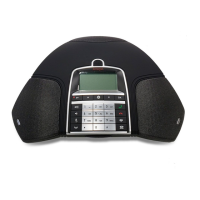
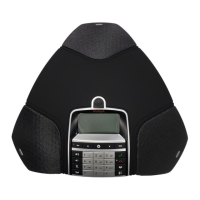
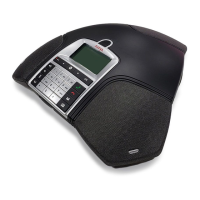
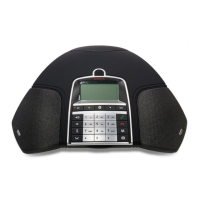
The text on the display screen can be changed when the Avaya B179 is on hook.
Select MENU > SETTINGS > BASIC > SCREEN TEXT (6,1,9).
Delete existing text using C and enter your new text. Press OK to conrm.
Resetting
This resets all user settings for the user prole shown to factory default settings. The
phonebook, conference guide and all basic settings are reset. Account, network and SIP
settings are not reset.
Select MENU > SETTINGS > BASIC > DEFAULT.
Conrm that you really want to reset the settings to default by pressing OK again, or
cancel the resetting procedure by pressing C.
ADVANCED SETTINGS
Only Admin. is able to make these settings. See “Installation and Administration of
Avaya B179”.
SETTINGS


 To Next Page