GENERAL
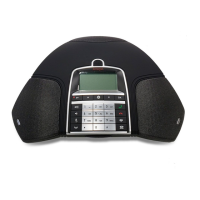
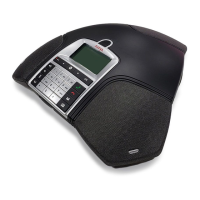
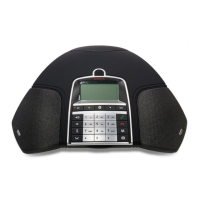
The Avaya B179 is a conference phone for IP telephony offering a host of innovative
features:
• OmniSound
®
audio technology.
• IP telephony for exible and affordable telephony.
• Option of using two accounts simultaneously.
• Conference feature for automatic multi-party dialling.
• Management of lines during a call (dialling new parties, creating a multi-party call,
splitting a multi-party call).
• Recorder capability.
• Web interface for simple management of contacts, conference groups and settings
• Extra microphone connection for wider reception (option).
• Connection for wireless headset or PA system (option).
• Future-proof, can be upgraded with smart functions.
The Avaya B179 is a future-proof product that is constantly evolving with smart new
features.
MAINTENANCE
Clean the equipment with a soft, dry cloth. Never use liquids.
CONNECTIONS
Please refer to the “Avaya B179 SIP Conference Phone - Installation and Administration
Guide” (16-603915) for instructions on how to connect and register your conference
phone.
DESCRIPTION


 To Next Page