22
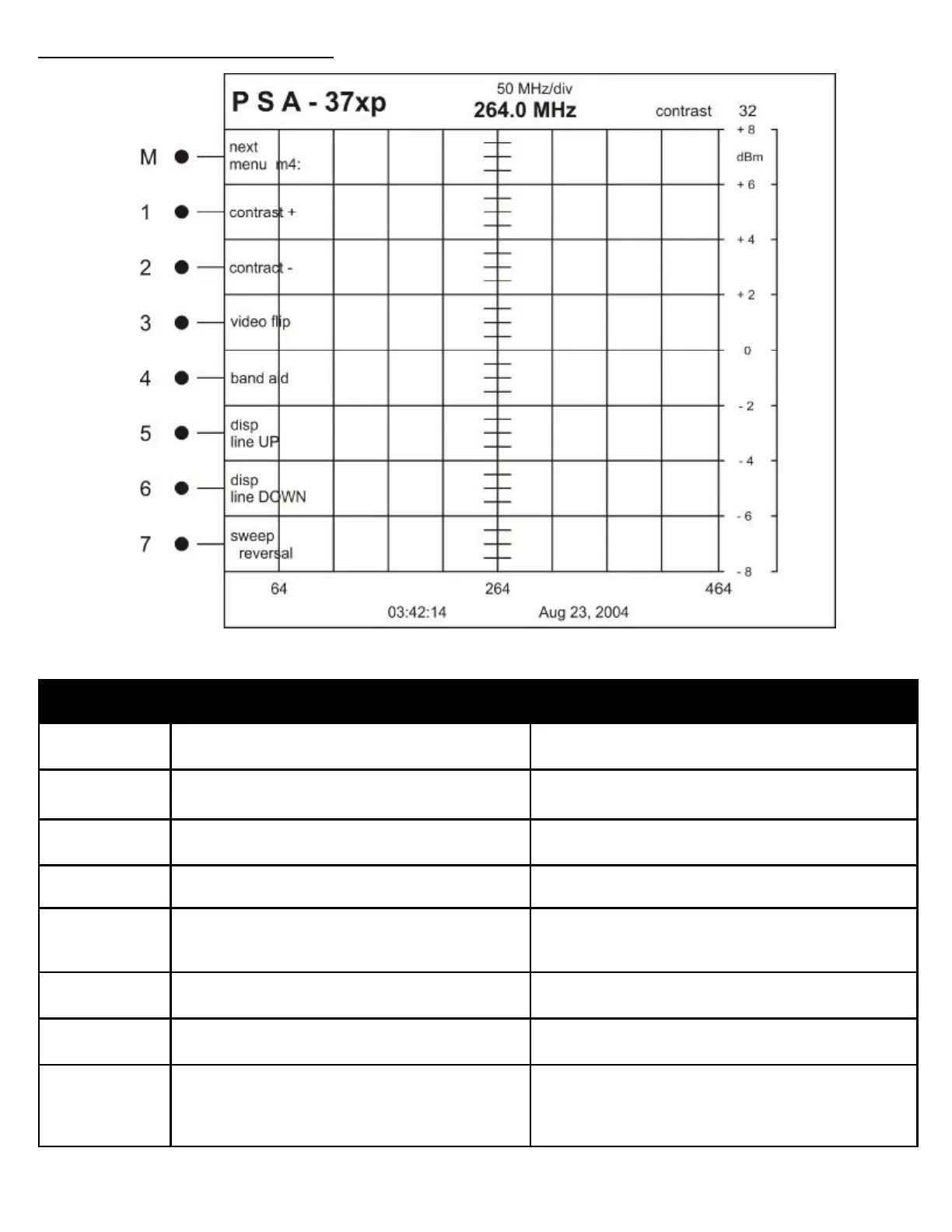
Button Label Description
M next
menu m4:
Changes to menu 5
1 contrast + Increases the value of screen contrast. Adjust for user
preference.
2 contrast— Decreases the value of screen contrast. Adjust for
user preference.
3 videoFlip Displays a negative image of the screen
4 band aid Applies fixed offsets for displayed frequencies. Useful
tool for down converted KU-Band signals
See Band Aid Operation Section
5 disp
line UP
Adjusts the user controlled marker for dB level UP 2dB
6 disp
line DOWN
Adjusts the user controlled marker for dB level DOWN
2dB
7 sweep
reversal
Projects a mirror image of the trace. The trace ap-
pears to sweep from right to left with the minimum fre-
quency value on the right and the maximum value on
the left.
MENU STRUCTURE REFERENCE
OPERATION MENU: 4



 To Next Page