. . . . .
USING THE SNG-2500C
The Tools Menu
Revision 001 SNG-2500C User’s Guide 3-4
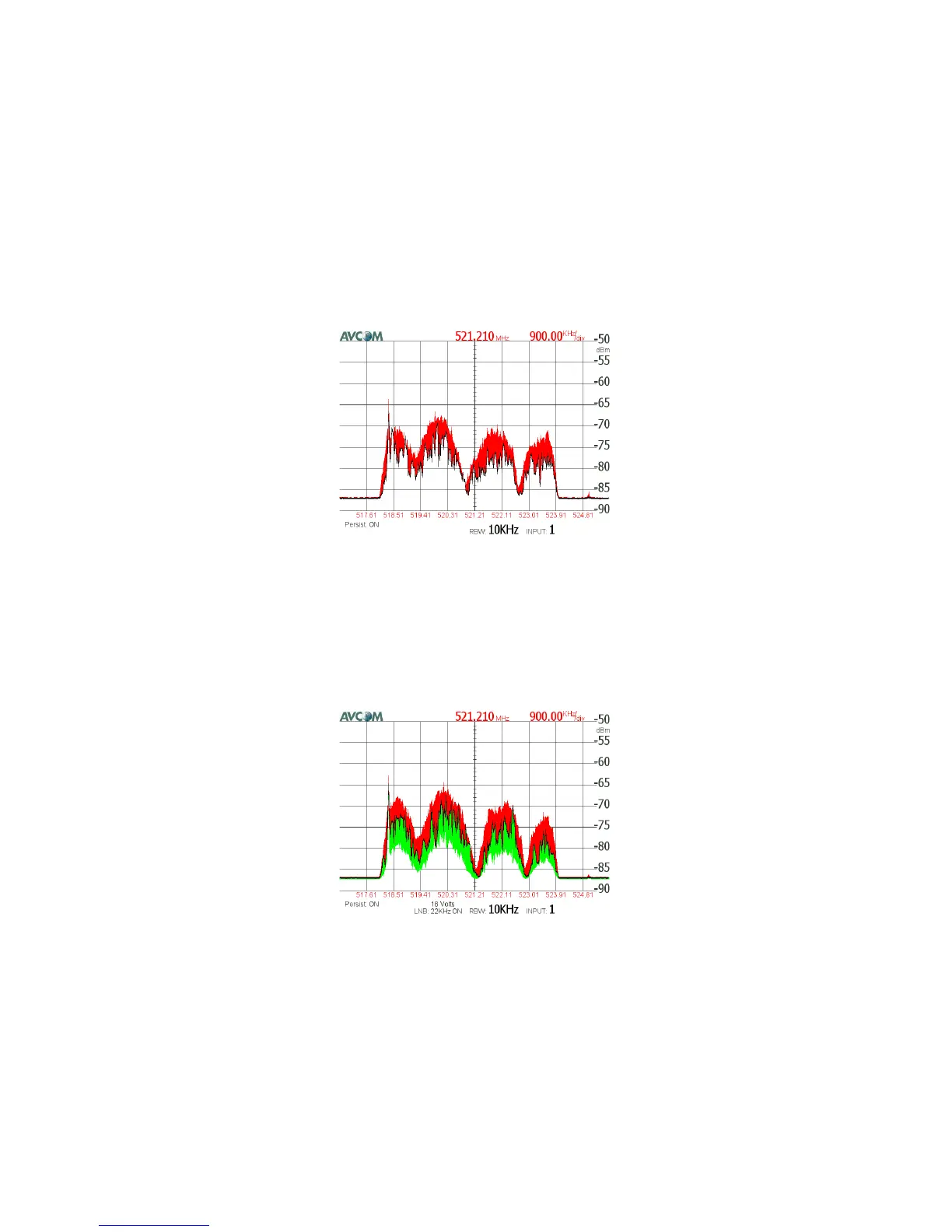
In the next example, the maximum level is being shown. The red area
above the waveform is the highest level the waveform has reached.
In the final example, both the minimum and maximum levels are
being shown. The green area below the waveform is the lowest level
the waveform has reached, and the red area above the waveform is
the highest level the waveform has reached.



 To Next Page