THE DISPLAY SETTINGS MENU
The options on the Display Settings Menu enable you to adjust the
appearance of the display to your liking.
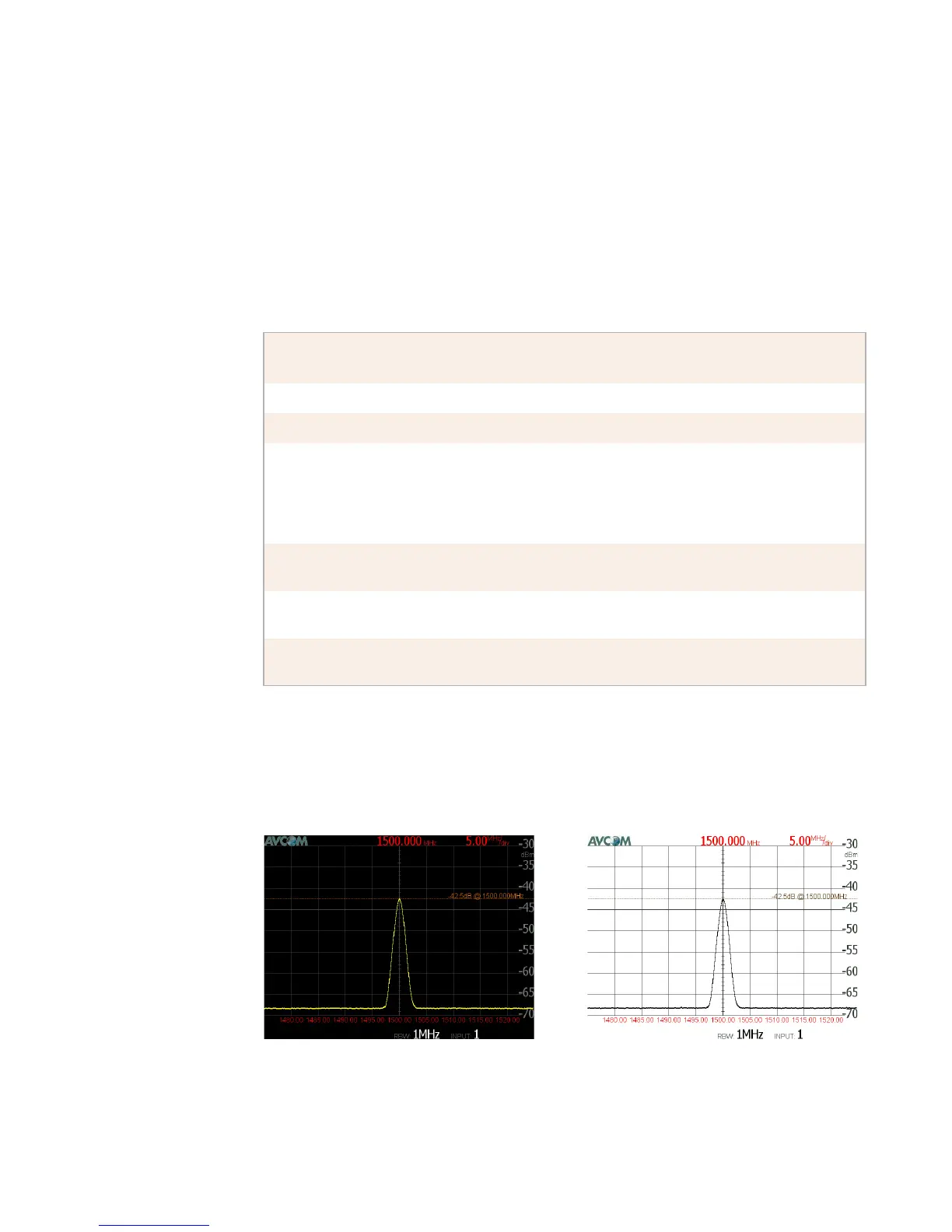
Video Flip
Below is an example of how the screen looks before and after the
Video Flip function.
Use this
option...
To...
Brightness select one of five levels of screen brightness.
Video Flip invert the screen colors.
Ride Peak Line display a line showing the peak level (the strongest signal
currently visible). This line changes continuously as the
peak level changes. You can also show or hide the legend
for the peak line. The legend moves with the peak line and
shows the signal strength and frequency of the peak.
Disp Ref Level show or hide the signal strength numbers on the right side of
the display.
Display Graph show or hide the vertical and horizontal lines behind the
waveform.
Display
Date/Time
show or hide the date and time in the lower left corner of the
display.



 To Next Page