11
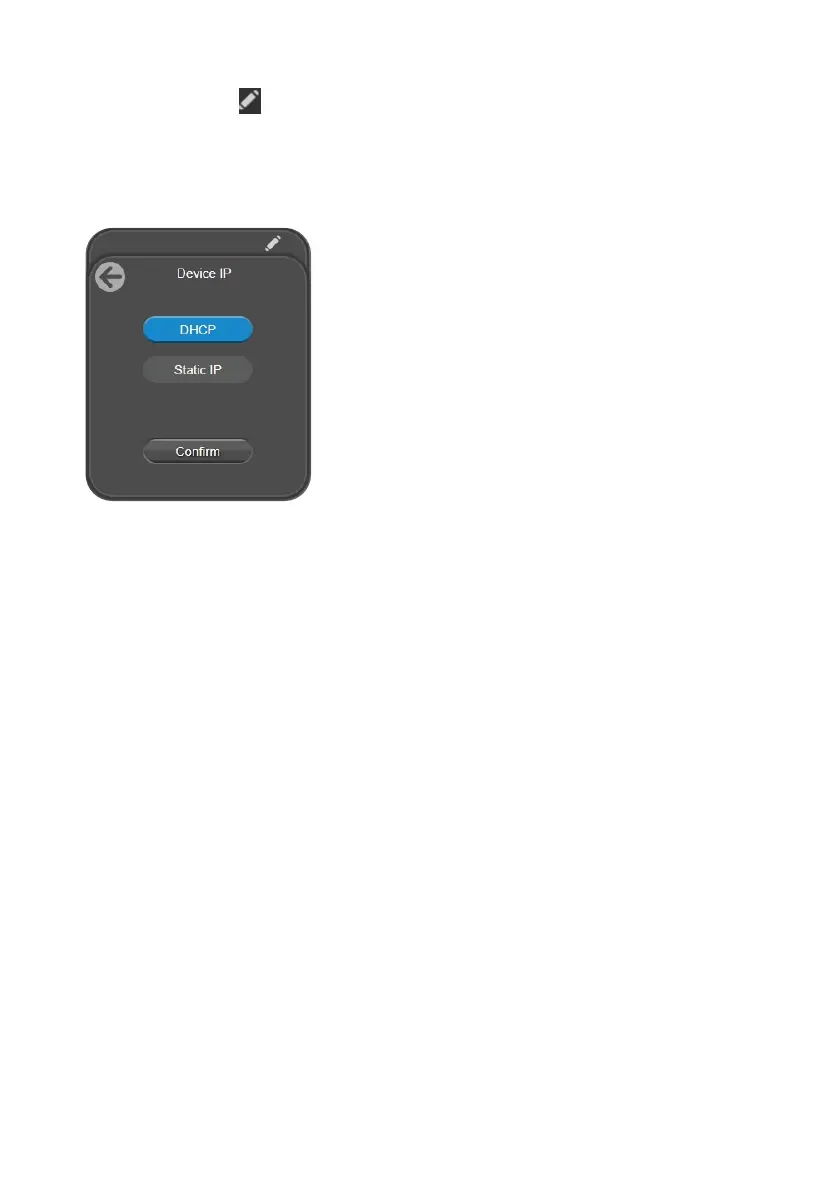
To change your network to DHCP or static IP:
1. Click the pencil icon
on the device card.
2. Select DHCP or Static IP, then enter your network settings if applicable.
3. Click Confirm.
Log In for the First Time
When you log in for the first time, enter the default password aver4321. You will be prompted to set up
a new account and password. The account and password cannot be the same.
• Account: Use 1-32 characters.
• Password: Use 8-32 characters and a combination of uppercase letters, lowercase letters,
numbers, and symbols (! $ % ’ ( ) * + , - . / < = > ? @ [ \ ] ^ _ { } ~).



 To Next Page