10
Room Management
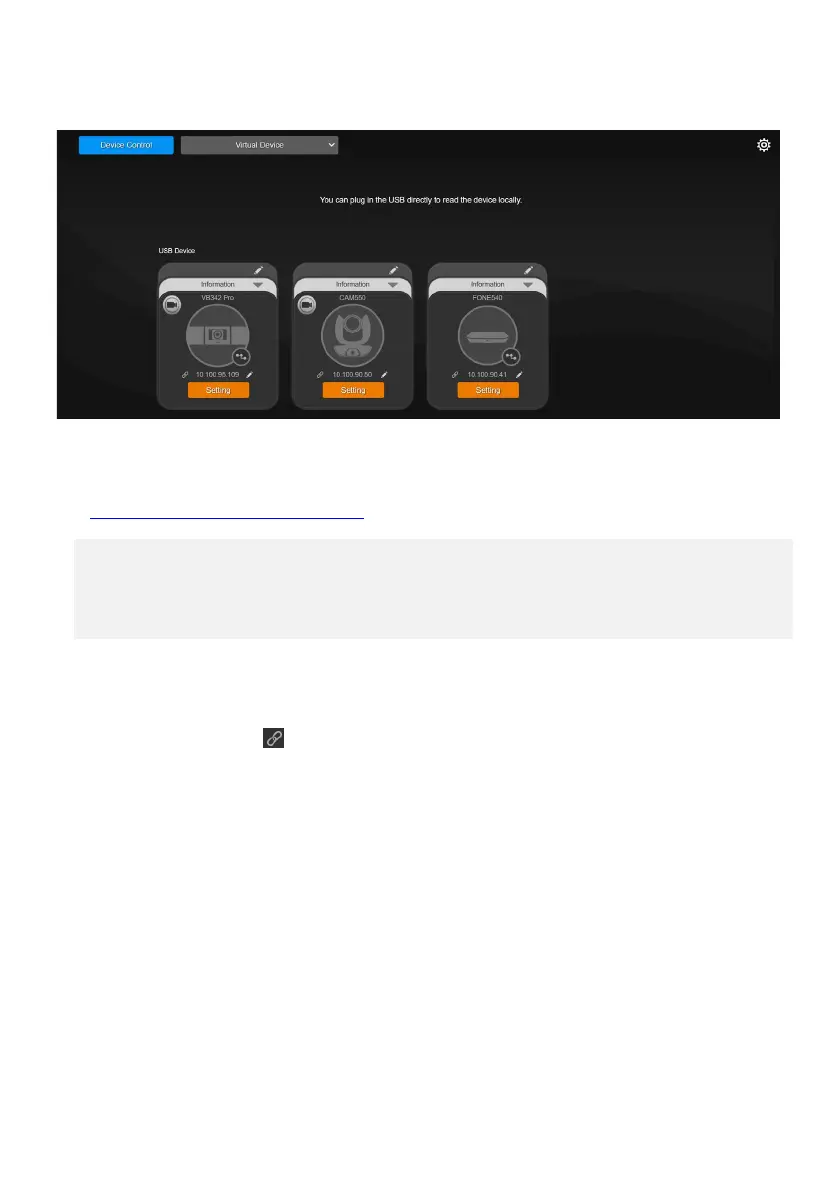
To access the web interface:
1. Download and install Room Management to your computer from AVer Download Center.
(https://www.aver.com/download-center) and launch the software
.
Note:
• Make sure your speakerphone has internet.
• Room Management and speakerphone must be on the same LAN.
• Recommended browser: Chrome 76 and above, Firefox 69 and above.
2. Connect your device to your computer using the included micro USB cable. You device should
appear under the Device Control page.
3. Click the hyperlink icon on the device card to open the web interface in your browser.



 To Next Page