17
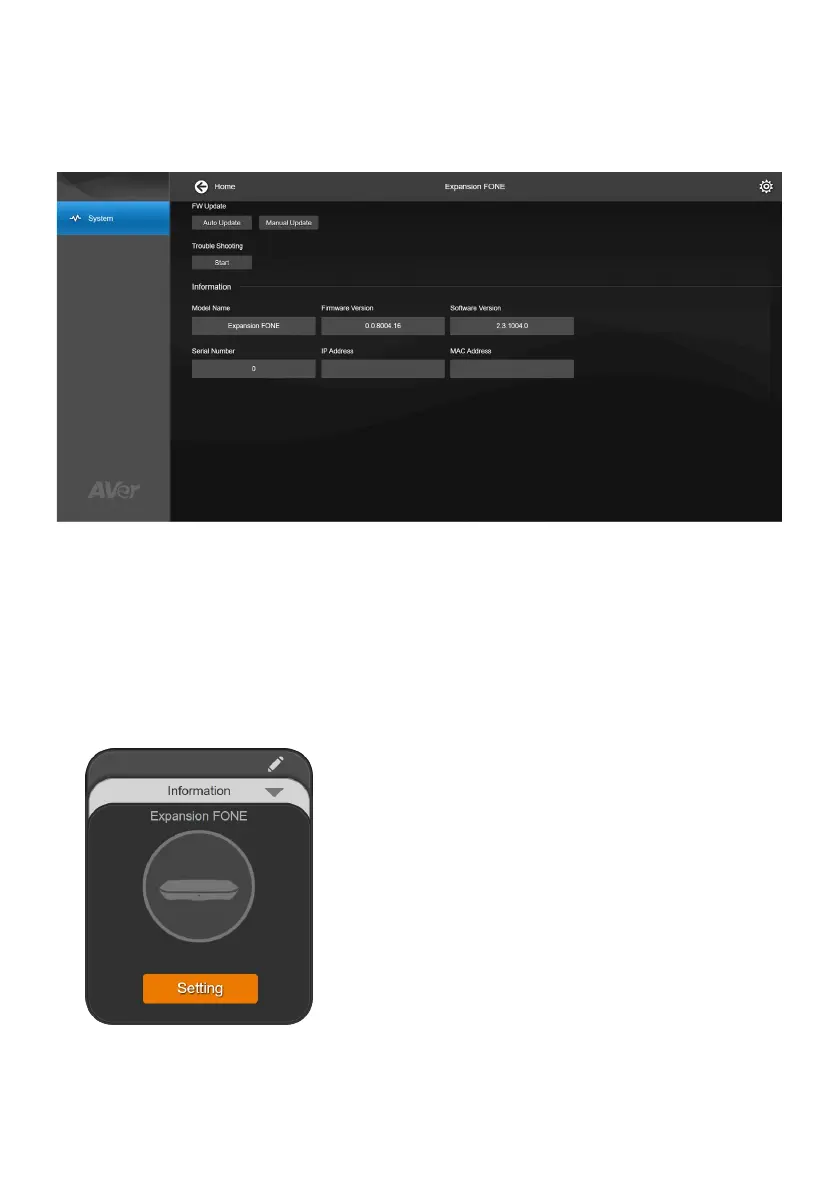
Upgrade Expansion Speakerphone Firmware on Room
Management
1. Download Room Management from AVer Download Center to your computer and launch the
application.
2. Connect the expansion speakerphone to your computer using the included micro USB cable,
then connect the expansion speakerphone to a power source with the power cord. Your
device should appear under the Device Control page.
3. Click Setting to upgrade firmware.



 To Previous Page