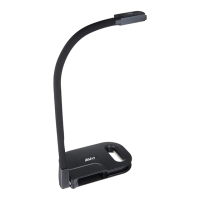
8
Operate the Camera with AVerTouch
1
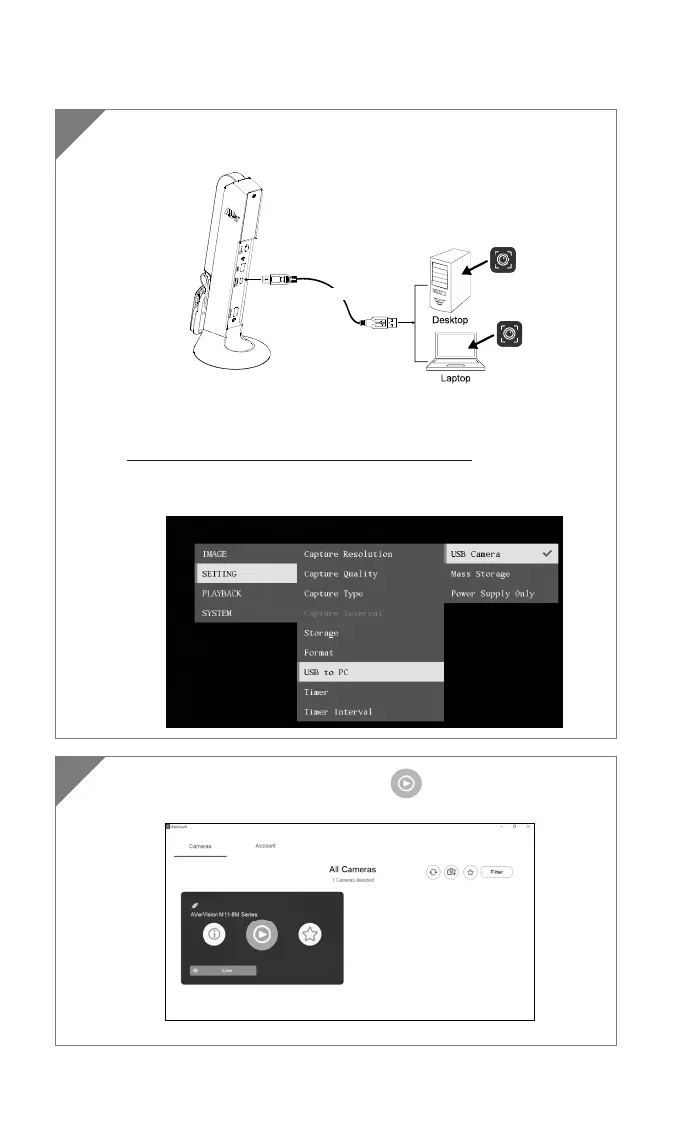
Connect the camera to PC/laptop and Install the AVerTouch
application.
AVerTouch
USB cable
AVerTouch
[Note]
Download AVerTouch application at:
https://averusa.com/education/support/avertouch
Please set the camera to USB mode. Go to OSD menu > Setting >
USB to PC > USB Camera.
2
Open AVerTouch application, click to connect the
camera.



 To Next Page