31
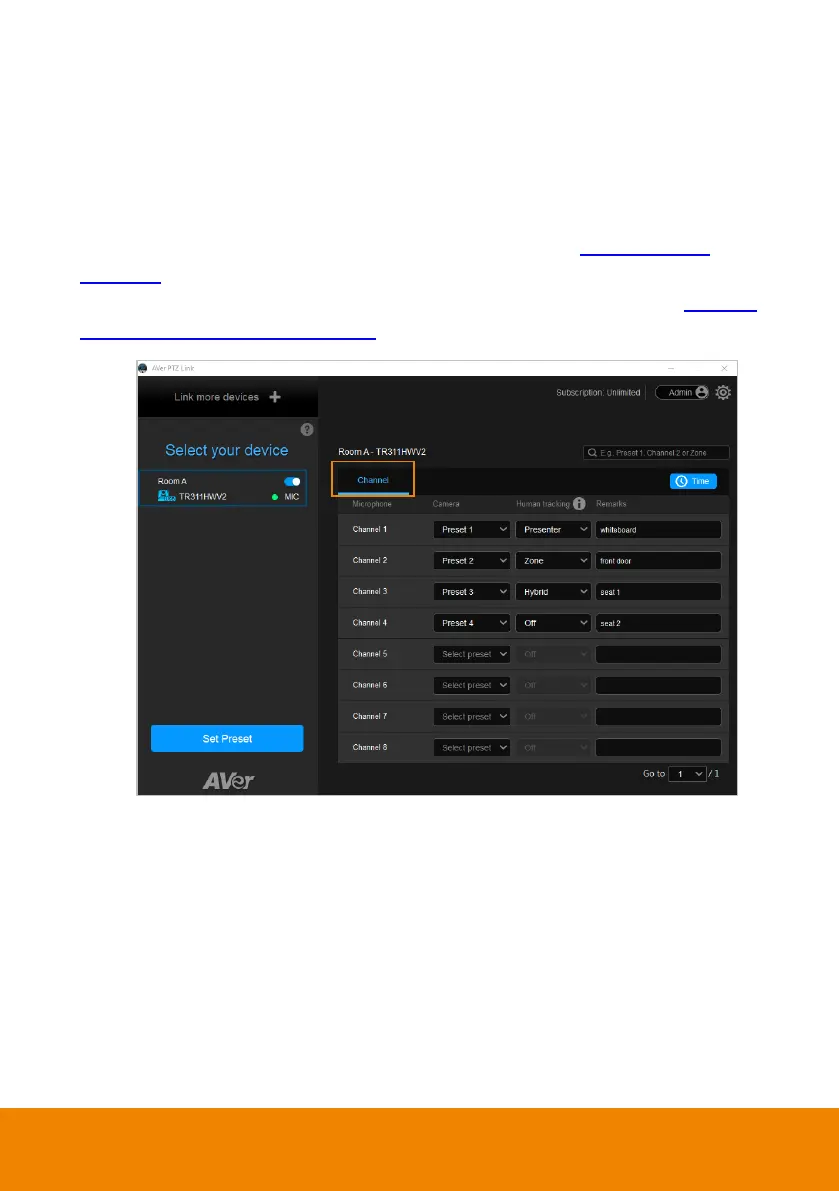
Channel Setup
Channel setup allows users to perform the Voice Tracking function by pairing up
microphone channels and camera preset positions. This function supports both IP
cameras and Virtual Cameras (USB).
To enable voice tracking by configuring Channel setup, you need to:
1. Set up preset positions of the cameras. Please refer to <
Set Up Preset
Positions>.
2. Pair up preset positions with microphone channels. Please refer to <Pair Up
Preset Positions with Microphone>.



 To Next Page