32
Set Up Preset Positions
To set up preset positions for IP cameras:
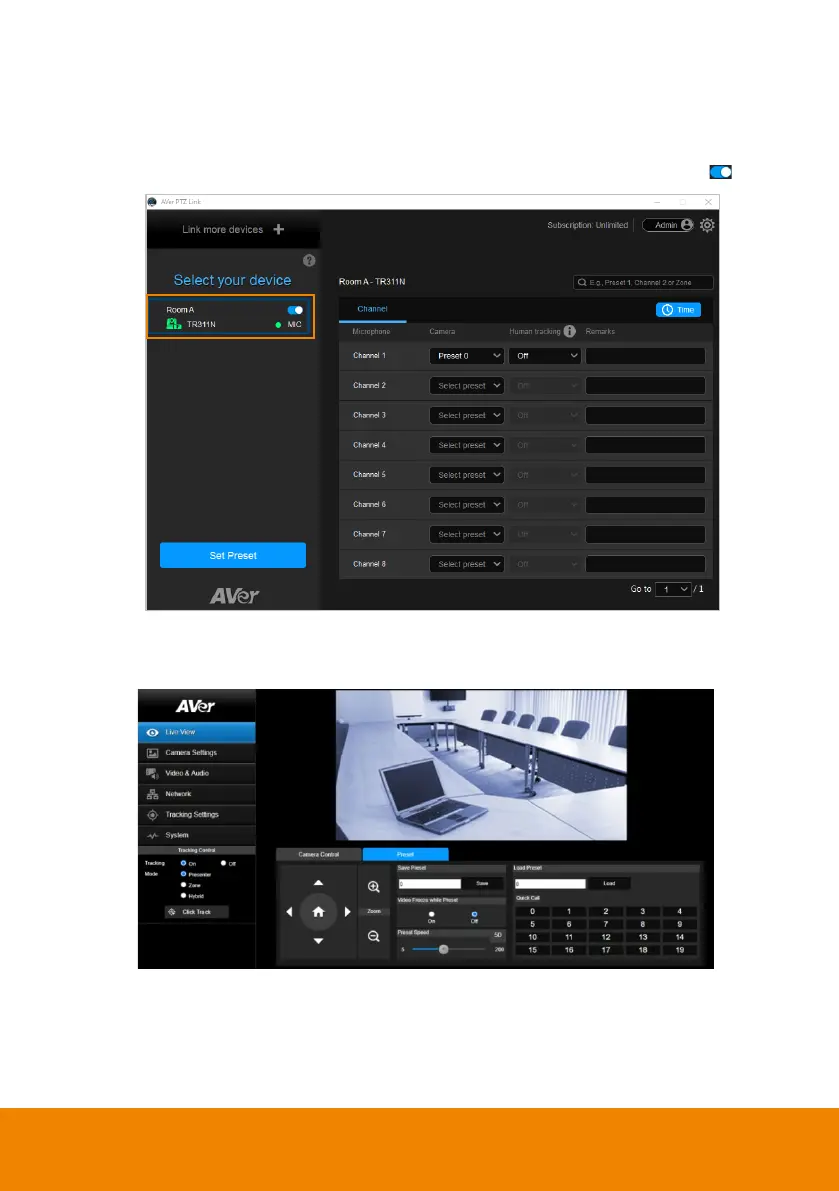
1. Click to select an IP camera on the Device List. The selected device will be
highlighted with a blue frame. Make sure you have enabled the device .
2. Click
Set Preset
, the PTZ Link will direct you to the web page of the IP
camera. Enter the username and password to login.



 To Next Page