35
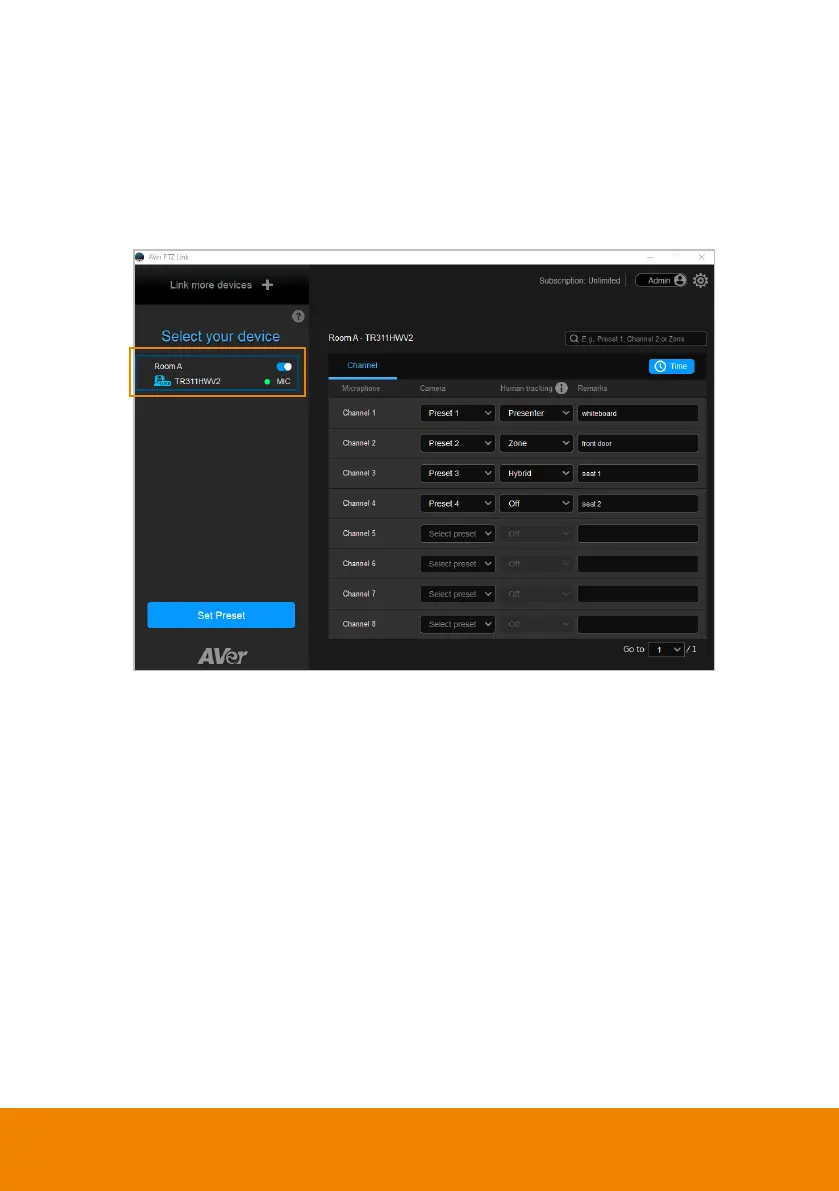
Pair Up Preset Positions with Microphone
When AVer PTZ Link detects voice from the microphone, it triggers the related
camera to the pre-configured preset position.
1. Click to select a camera on the Device List, and the selected device will be
highlighted with a blue frame. Make sure you have configured the preset
positions of the selected camera.



 To Next Page