English-3
LED Indicator
Power on: Blink blue once
Start-up: Solid red
Sleep mode: Solid orange
Standby or a call on hold: Solid white
In use: Solid blue
Calling: Fast blink white or blue depending on original status
During a call: Solid purple
A second calling: Fast blink white, blue, or purple depending on original status
Control Fill Light
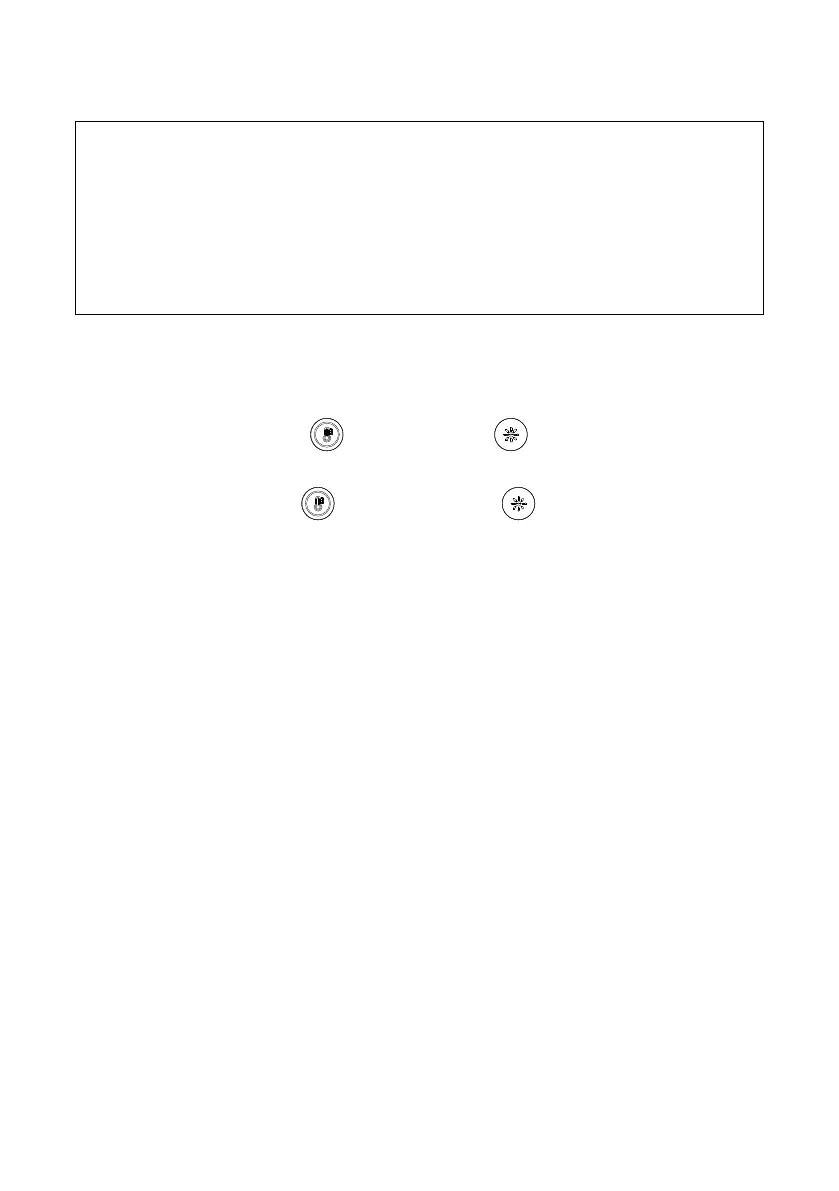
Hold either temperature button or light level button for 2~3 sec to switch on/off fill light
function.
Hold both temperature button
and light level button
together for 2~3 sec to switch
between auto/manual light adjustment.
For more details, please refer to user manual.



 To Next Page