English-6
Install PTZApp 2
Please go to https://www.aver.com/download-center (Global & European Headquarters) or
https://www.averusa.com/business/support/ (USA) to download the PTZApp 2. After downloading,
double-click on the file and follow the on-screen instructions to complete the installation.
After installing the PTZApp 2, double-click on the PTZApp 2 icon to run the application.
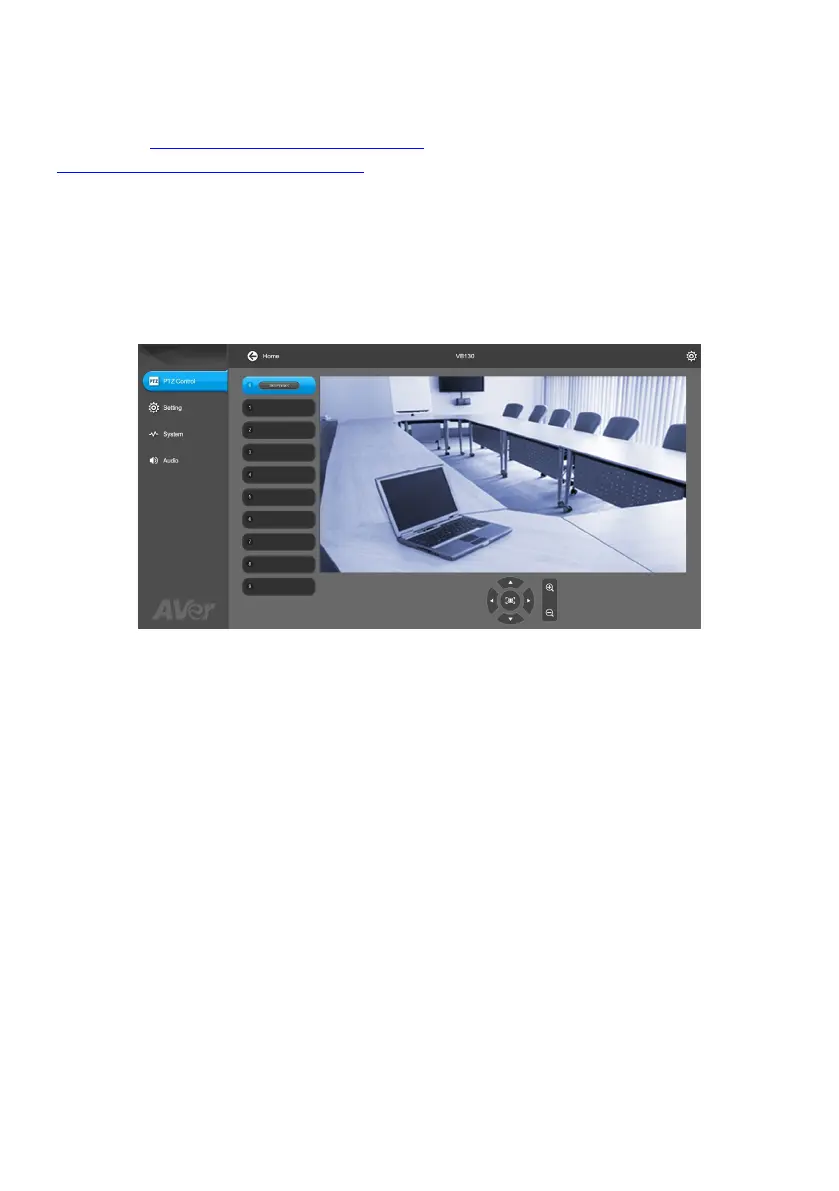
Use PTZApp 2
You can use the PTZApp 2 to set up AI tracking functions, pan, tilt and zoom the camera and some
advanced image and audio settings. Please refer to the user’s manual for details.



 To Next Page